How to Safeguard Kids’ Email Accounts? 2026
Today, children spend increasing amounts of time online for school, hobbies, and social interactions. Their email accounts often serve as their first digital identity, linking to learning platforms, gaming accounts, and personal communications. However, this convenience also exposes them to phishing, cyberbullying, and account takeovers. Learning how to safeguard kids’ email accounts is essential for every parent who wants to protect their child’s online safety.
Why Protecting Kids’ Email Accounts Is Crucial
Email is often the gateway to a child’s entire online world. A vulnerable inbox can lead to identity theft, cyberbullying, and unauthorized access to multiple accounts. Understanding the main risks helps parents implement effective strategies to protect children’s email accounts.
High Risk of Child Identity Theft
Children rarely monitor their digital footprints, making them ideal targets for identity fraud. Studies reveal that over 1.3 million children experience identity theft every year, and minors are more likely to be targeted than adults. If a child’s email is compromised, attackers may access school portals, personal information, or even family accounts, which can have long-lasting consequences.
Early Target for Cyberbullying and Predators
Before strangers reach children on social media, they often start contact via email. Harassment, manipulative requests, or threats can appear quietly in an unmonitored inbox, making early monitoring and guidance essential.
About 30% of cyberbullying incidents begin in private messaging, including email.
Email as the Master Key to Other Accounts
A child’s email often acts as the central access point for games, social media, learning apps, and cloud storage. If the email is compromised, attackers can potentially take control of all linked accounts, creating widespread security risks.
Over 70% of hacked accounts are accessed through email recovery features. Implementing strategies to prevent unauthorized access to kids’ email is therefore critical.
How to Keep Your Child’s Email Safe (5 Essential Tips)
Now that you understand why keeping your child’s email secure is so important, here are five practical tips to protect kids’ email messages, prevent unauthorized access, and help them stay safe online.
Tip 1: Create Strong, Unique Passwords
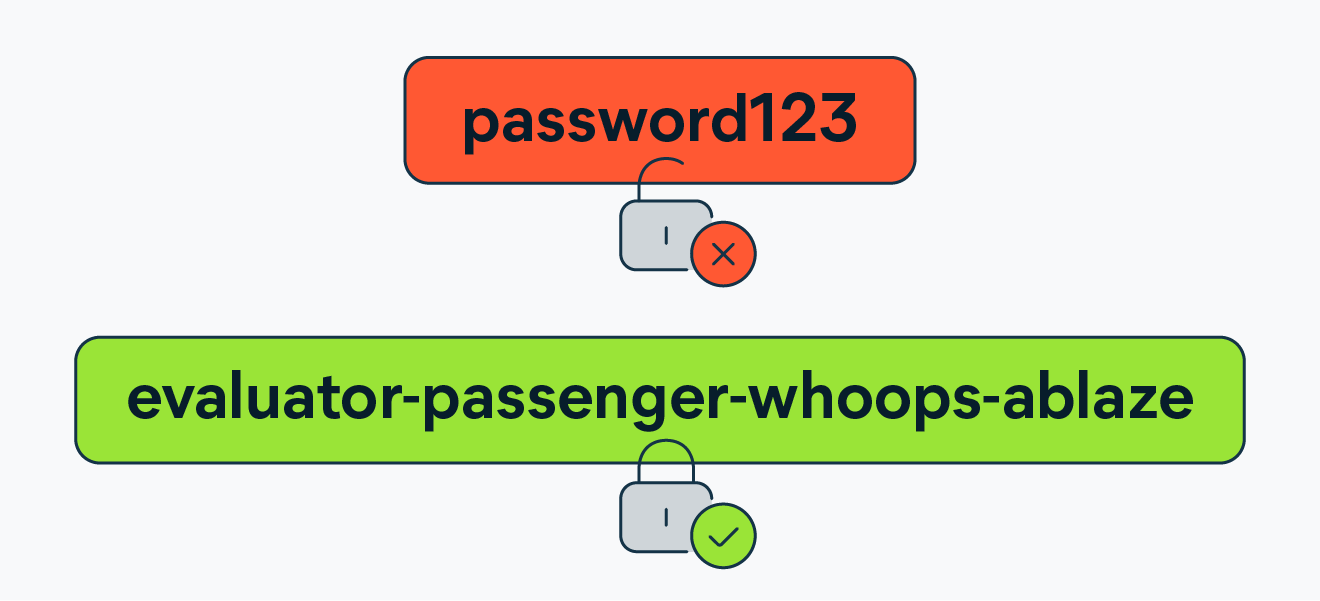
Start by helping your child create strong, unique passwords that are at least twelve characters long and combine letters, numbers, and symbols. Avoid using personal details like names, birthdays, or common words. Encourage your child to use random phrases or unrelated combinations. A reliable password manager can securely store these credentials and make them easier to manage.
Tip 2: Enable Two-Factor Authentication
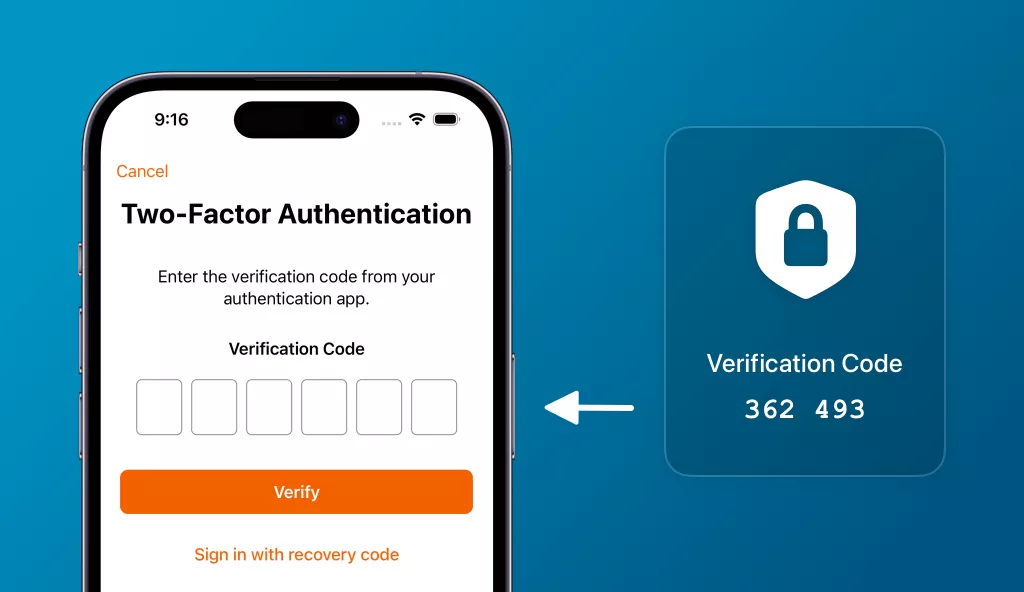
Adding Two-Factor Authentication (2FA) provides an extra layer of security. Usually, it requires a code sent to a trusted device in addition to the password. This simple step can block most unauthorized attempts, even if the password is compromised.
Tip 3: Teach Children to Recognize Phishing
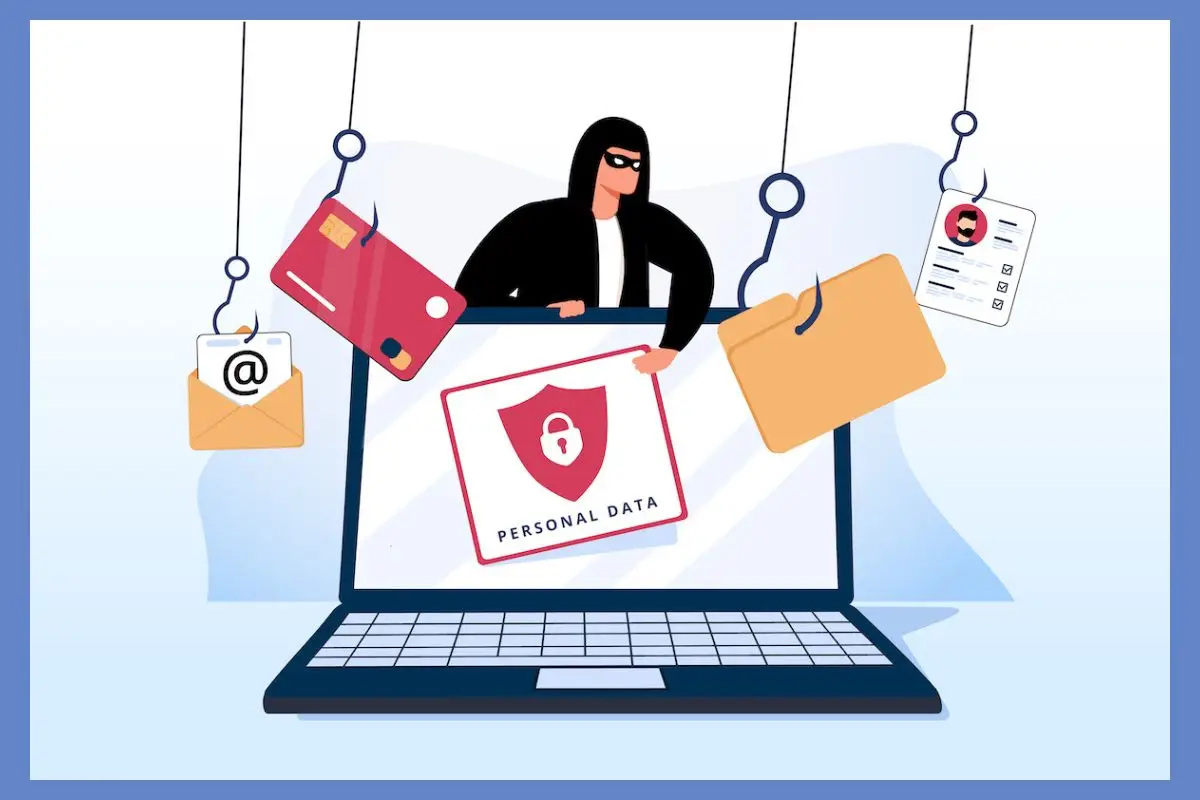
Phishing emails can look convincing but often contain subtle mistakes, suspicious links, or requests for personal information. Teach your child to spot these warning signs and avoid clicking on unknown links or attachments. Encourage them to ask you before interacting with anything unfamiliar, which builds both awareness and trust.
Tip 4: Limit Sharing of Email Addresses
Children don’t need to use a single email for every website or app. Share their email only with trusted contacts and platforms. Avoid posting it publicly or using it for random sign-ups, which can help safeguard kids’ email accounts from phishing attacks and spam.
Tip 5: Use Parental Control Tools
Parental control apps allow you to monitor activity without invading privacy. Tools like iKeyMonitor help track sign-ins, manage device permissions, and oversee connected apps. With these tools, parents can respond quickly to suspicious activity and provide guidance, ensuring their child’s email and online interactions remain safe.
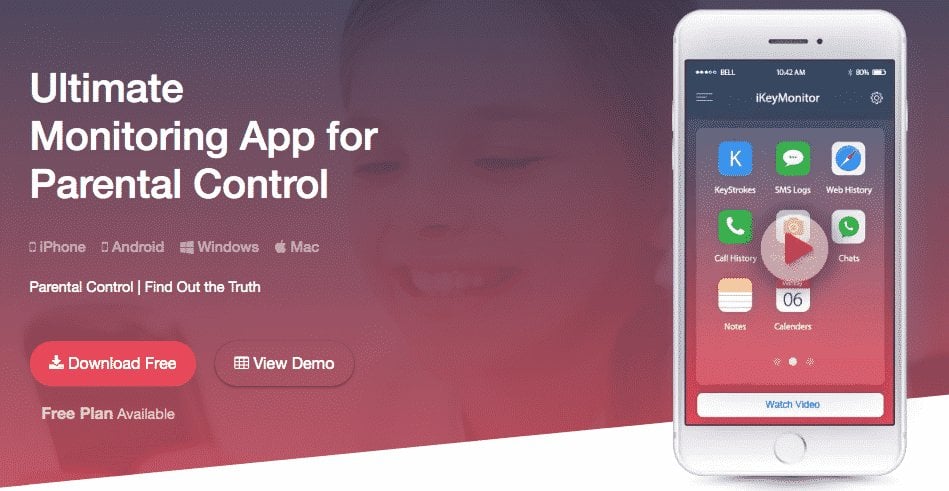
Strengthen Online Safety with iKeyMonitor
Besides the tips above, if you want to take your child’s email security to the next level, iKeyMonitor is an excellent choice. This powerful parental monitoring app helps safeguard children’s email accounts while providing real-time oversight of messages, device activity, and app usage.
Monitor Email Activity to Prevent Unauthorized Access
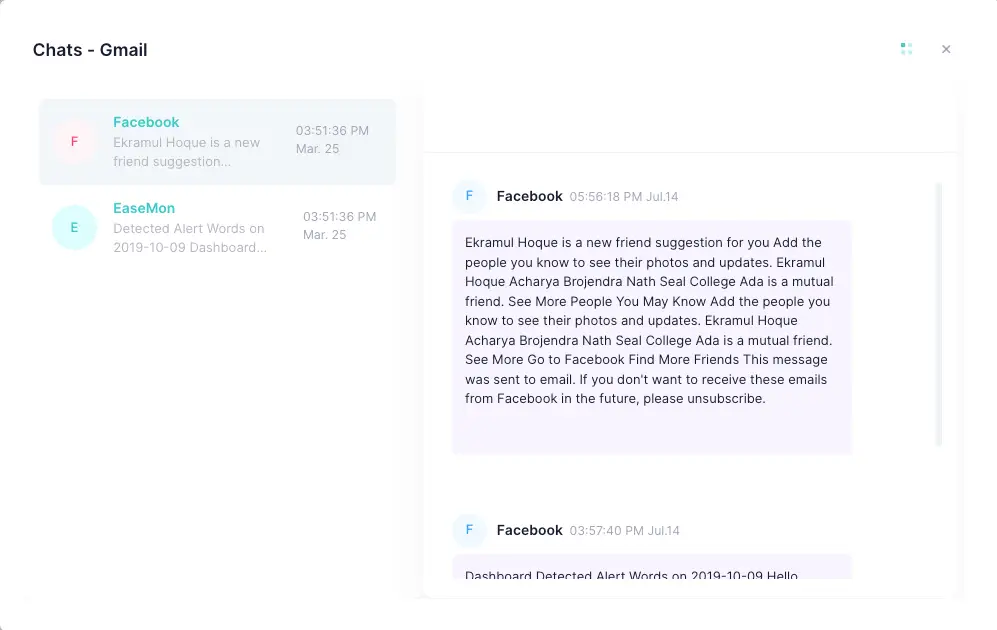
iKeyMonitor helps you keep track of your child’s email activity, quickly spotting unusual logins or potential phishing attempts. This allows you to ensure their inbox remains secure and their communications are protected.
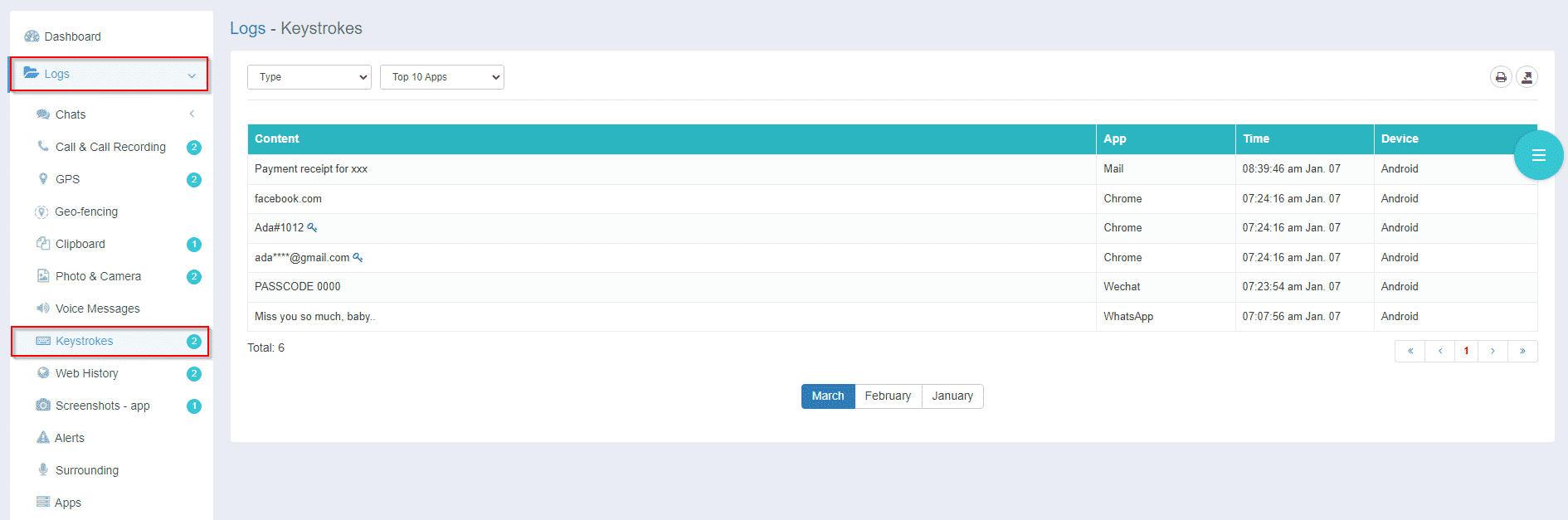
Log Keystrokes to Detect Risky Behavior
With keystroke logging, iKeyMonitor provides insight into what your child types on their device, including searches, messages, or login information. This early visibility helps parents detect risks and take preventive action before problems arise, reinforcing email security.
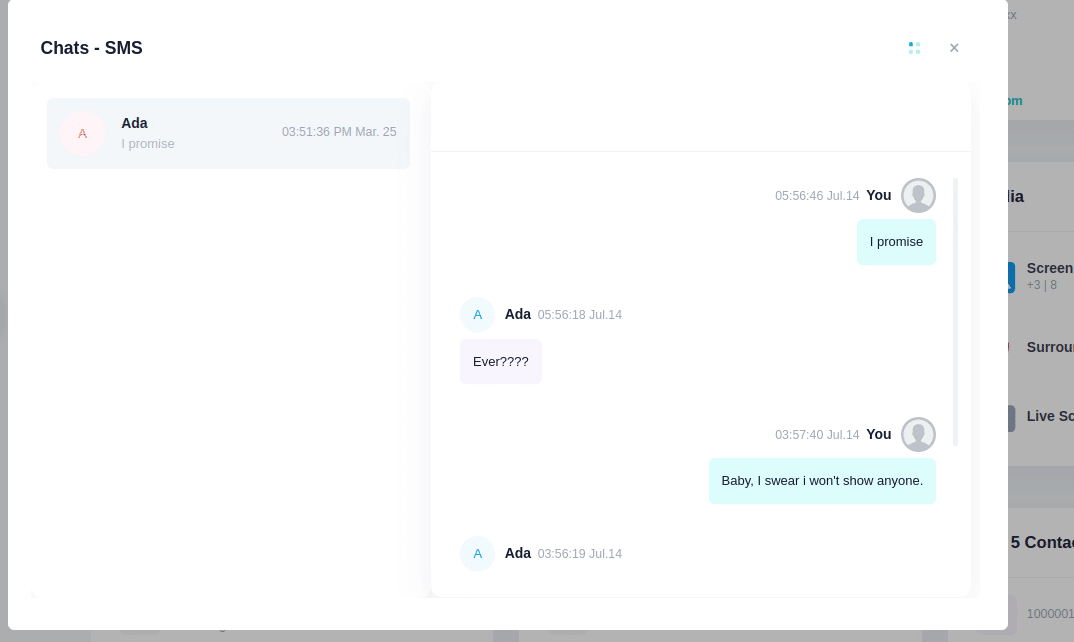
Track SMS Messages to Identify Unsafe Contacts
The app records all SMS messages sent and received, giving you a clear view of your child’s texting activity. This makes it easier to spot inappropriate contacts or harmful content and intervene promptly, supporting overall email and account safety.
Capture Screenshots to Monitor Online Interactions
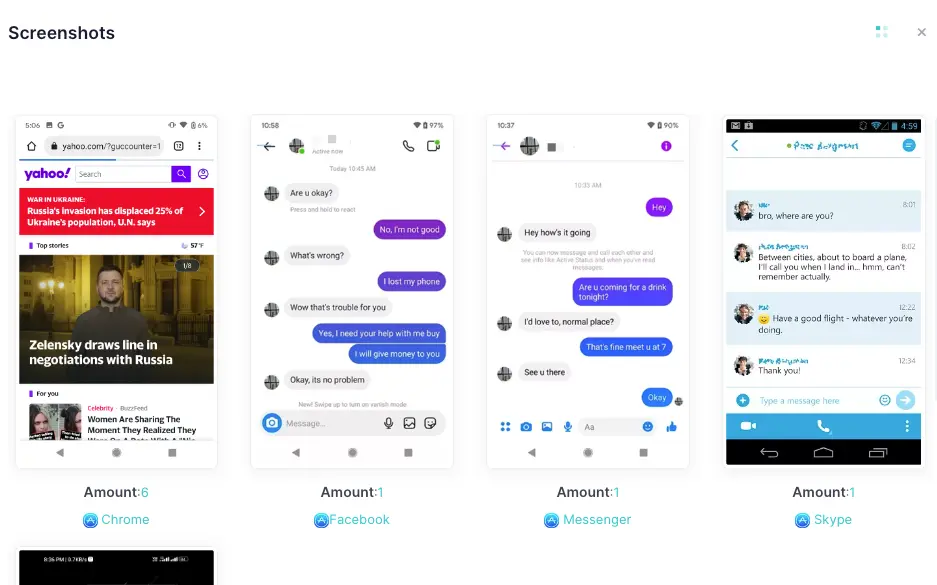
iKeyMonitor can capture screenshots of activity across apps and websites, providing a visual record of what your child sees online. This ensures that potentially dangerous content or interactions do not go unnoticed and helps safeguard their email accounts.
Receive Alert Notifications for Immediate Action
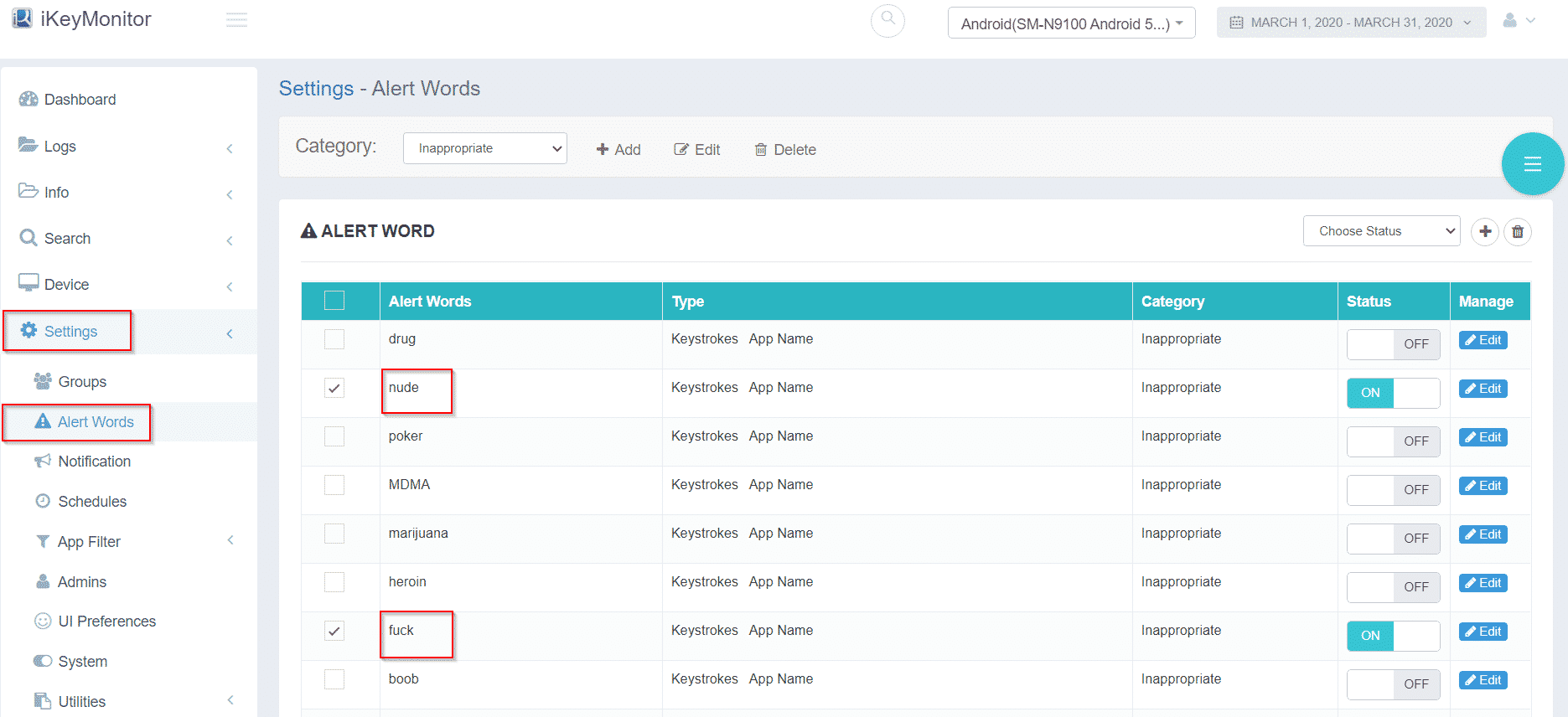
The app sends real-time alerts whenever it detects suspicious activity or risky keywords. These notifications allow you to respond quickly, helping to protect children’s email accounts and maintain overall online safety.
Extra Practices to Improve Email Safety for Kids
Beyond the basics, these practices help ensure email account safety for kids and foster responsible online habits.
- Review Recovery Options and Devices: Regularly check and update recovery emails and remove old devices. This ensures that only trusted contacts have access.
- Encourage Logging Out on Shared Devices: Children may forget to sign out on school computers or friends’ devices. Logging out prevents unauthorized access.
- Clean the Inbox Monthly: A regular inbox cleanup teaches children to spot spam, phishing, and unnecessary subscriptions while keeping their email organized and secure.
FAQs on Maintaining Safe Email Accounts for Children
Q1. At what age should a child have their own email account?
Most services require children to be at least 13. Supervised accounts may be created earlier for school purposes with parental oversight.
Q2. How often should parents monitor inboxes?
Monthly reviews are usually sufficient. For younger children or those at higher risk, weekly checks may be beneficial.
Q3. Are parental control apps legal?
Yes, parents can monitor devices they provide. Transparency ensures children understand that monitoring is for safety, not punishment.
Q4. How can I detect if my child’s email is hacked?
Signs include unknown login alerts, missing emails, or password reset notifications.
Q5. Should children use separate emails for school and games?
Yes. It helps manage spam, isolate sensitive school information, and maintain overall email security.
Q6. What to do if a child receives threatening emails?
Save evidence, block the sender, change the password, and report the issue. Contact authorities if threats escalate.
Conclusion
Protecting your child’s email is an essential step in keeping their digital identity safe. By setting strong passwords, enabling two-factor authentication, teaching phishing awareness, and using tools like iKeyMonitor, you can effectively safeguard kids’ email accounts, prevent unauthorized access, and ensure long-term email account safety for kids.
Tags: email account safety for kids, protect children’s email accounts, protect kids’ email messages, safeguard kids’ email accounts from phishing attacks, to Safeguard Kids’ Email Accounts
Category: Learning & How to