How to Introduce Kids to Secure Password Managers? 2026
Keeping children safe online has never been more important. With school accounts, gaming platforms, and social media, kids are handling a growing number of passwords. As a parent, understanding how to introduce kids to secure password managers early helps them build strong digital habits, protect their personal information, and reduce the risk of cyber threats.
Why Teaching Kids Secure Password Managers Early Truly Matters
Teaching children the importance of strong passwords early helps them form safe online habits. It also lowers the risk of cyber threats and identity theft. Using the right password manager apps lets them manage passwords securely without memorizing each one.
Children Are Prime Targets for Cyber Threats
Many children use simple, easy-to-guess passwords and often repeat them across different accounts. This habit makes them more vulnerable to phishing, account takeovers, identity theft, and even cyberbullying. Using a secure password manager for kids can automatically create and store strong, unique passwords, helping close one of the biggest gaps in their online safety.
According to a 2023 report by NortonLifeLock, 60% of children aged 8–16 have experienced at least one online security breach due to weak or reused passwords.
Good Digital Habits Start With Early Education
Just as we teach children to lock the front door at night, good password habits have become an essential life skill. When kids learn to create and store strong passwords early, these habits are more likely to continue into adulthood. Using a reliable password manager designed for children makes following security rules simple and part of their daily routine.
Research from the National Cyber Security Alliance shows that children taught proper password practices before age 12 are 40% more likely to maintain strong password habits into their teenage years.
Parents Need Visibility Without Invading Privacy
Parents often face the challenge of keeping children safe online while still encouraging independence. Family-friendly password managers provide a simple way to guide security without having to monitor every single action, giving kids the freedom to learn responsible online habits.
A 2022 survey by Pew Research Center found that 72% of parents are concerned about their child’s online safety but want tools that balance oversight with privacy.
How to Introduce Kids to Secure Password Managers (5 Tips)
Teaching children to use secure password managers doesn’t have to be a lecture. Instead, it can be an empowering, simple, and even fun experience. The five practical tips below will guide you step by step through the process.
Tip 1: Explain the Importance of Strong Passwords
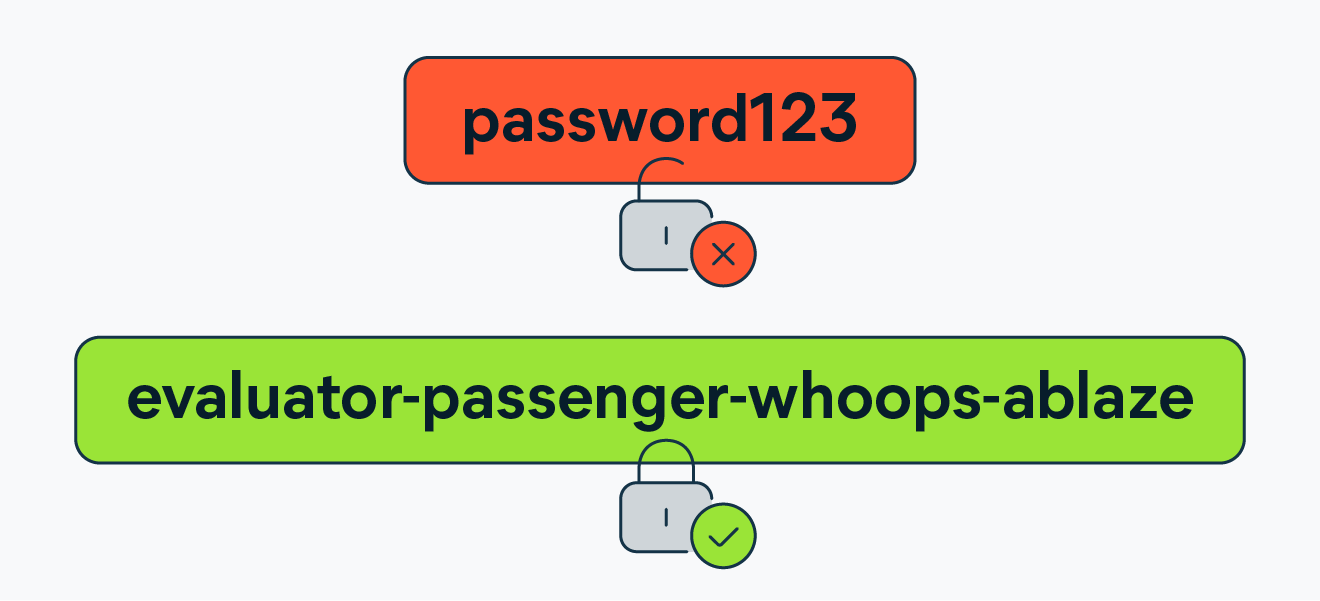
Help your kids understand that passwords are like keys to their online world—weak ones can let strangers in. Use simple examples to show how weak passwords can put their accounts, personal info, and online progress at risk. This helps them see why security password tools are important from the start.
Tip 2: Introduce a Kid-Friendly Secure Password Manager
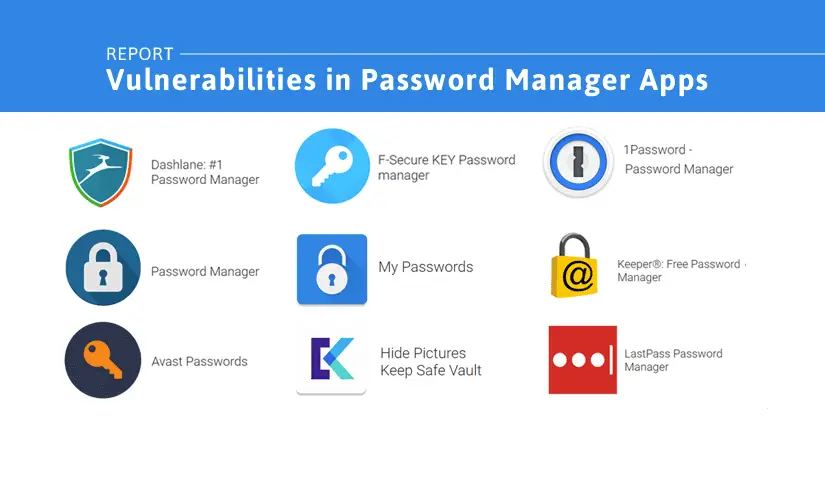
Pick a secure password manager for kids that is easy to use, such as family versions of 1Password or LastPass. Show them how it keeps passwords safe, creates strong ones automatically, and works on all their devices. When kids see how simple it is, they are more likely to use it and build good digital habits.
Tip 3: Teach Why Unique Passwords Are Important
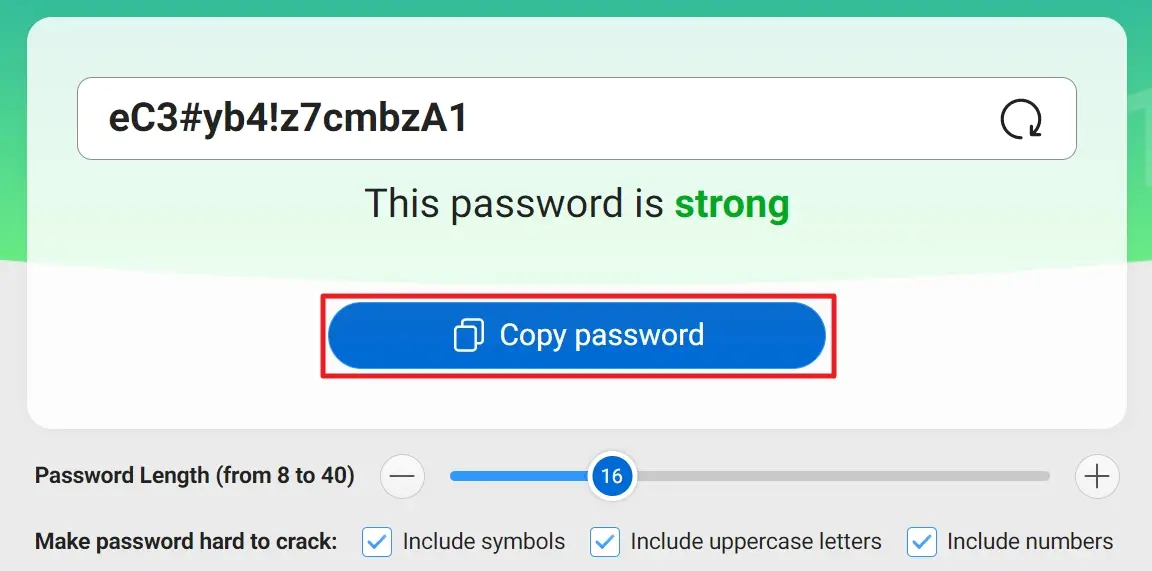
Tell your kids that using the same password for many accounts is risky. If one account is hacked, others can be in danger too. Show how a password manager can make different passwords for school portals, emails, games, and social apps. This way, they don’t have to remember every password and learn to keep each account safe.
Tip 4: Encourage Regular Password Updates
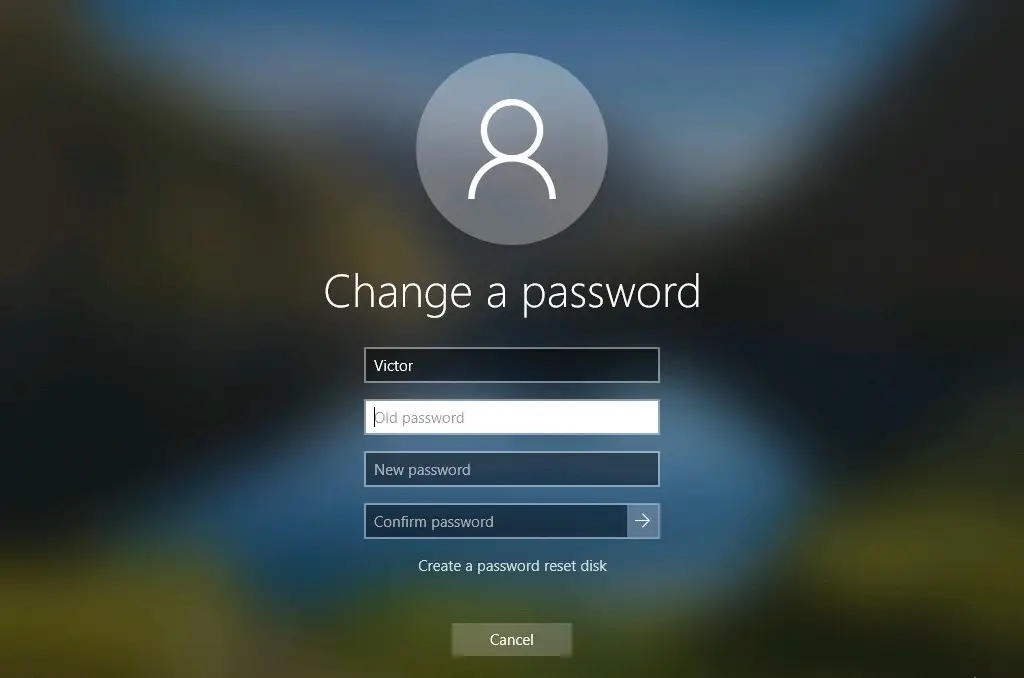
Teach children that changing passwords often is an important part of online safety. Show them how password manager apps can make new strong passwords every few months or after a security alert. Making updates easy helps kids feel in control and keeps them safe online.
Tip 5: Use Parental Control Apps for Extra Safety
Combine password managers with parental control apps like iKeyMonitor for more protection. These apps let parents check app use, set limits, and guide kids to use accounts safely. With a secure password manager for kids plus parental controls, children can explore online safely while parents feel secure.

Monitor Kids’ Online Activity and Keep Them Safe with iKeyMonitor
Besides the tips above, if you want to provide even stronger protection for your children online, iKeyMonitor is an excellent choice. It is a comprehensive parental monitoring app that helps you safeguard kids’ digital activities, detect potential risks, and guide safer online habits.
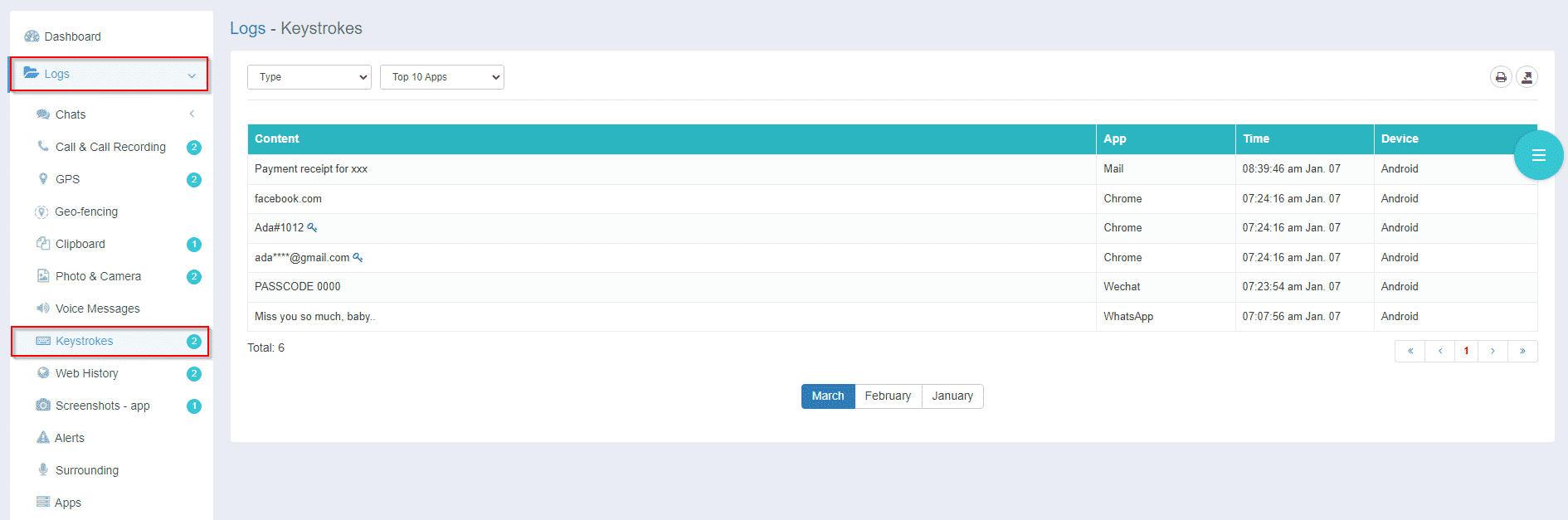
Monitor Keystrokes to Protect Kids’ Accounts
With iKeyMonitor, you can track everything your child types, including passwords and messages. This helps you spot suspicious activity and prevent problems before they happen.
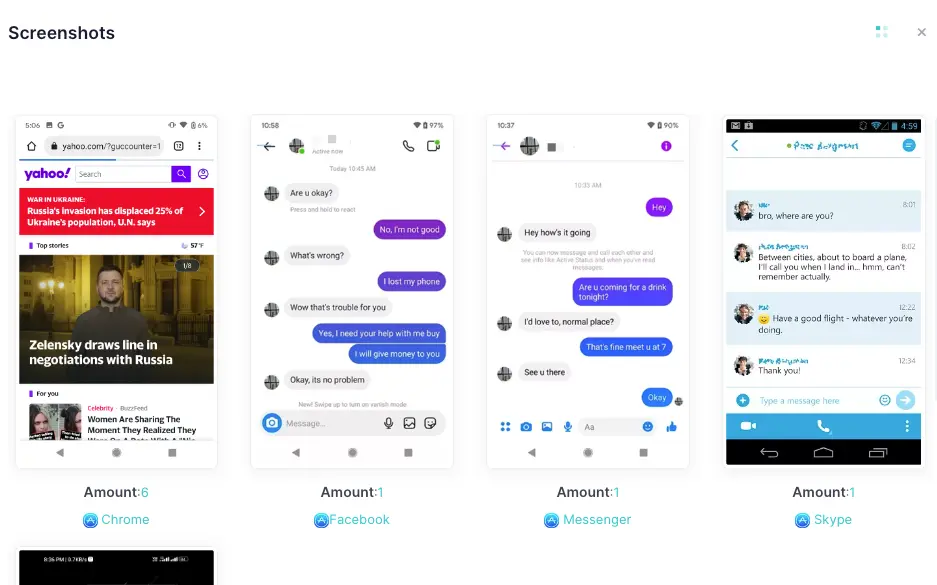
Capture Screenshots to See How Kids Use Their Devices
The app can automatically take screenshots of your child’s device. By using iKeyMonitor, you can check what happens in apps, games, and chats to make sure they are safe online.
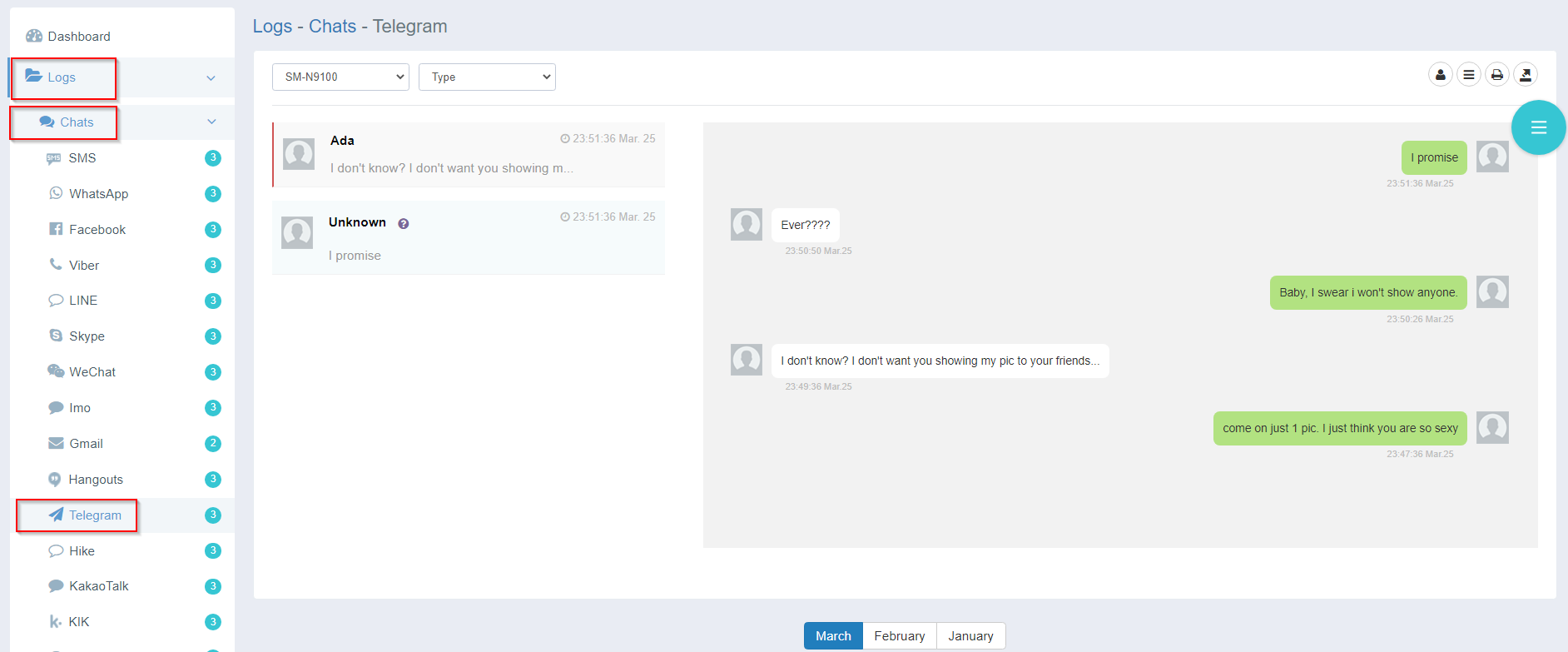
Track Social Media Activity to Keep Children Safe
iKeyMonitor lets you track your child’s social media use. You can see messages, posts, and shared content to protect them from cyberbullying or inappropriate material.
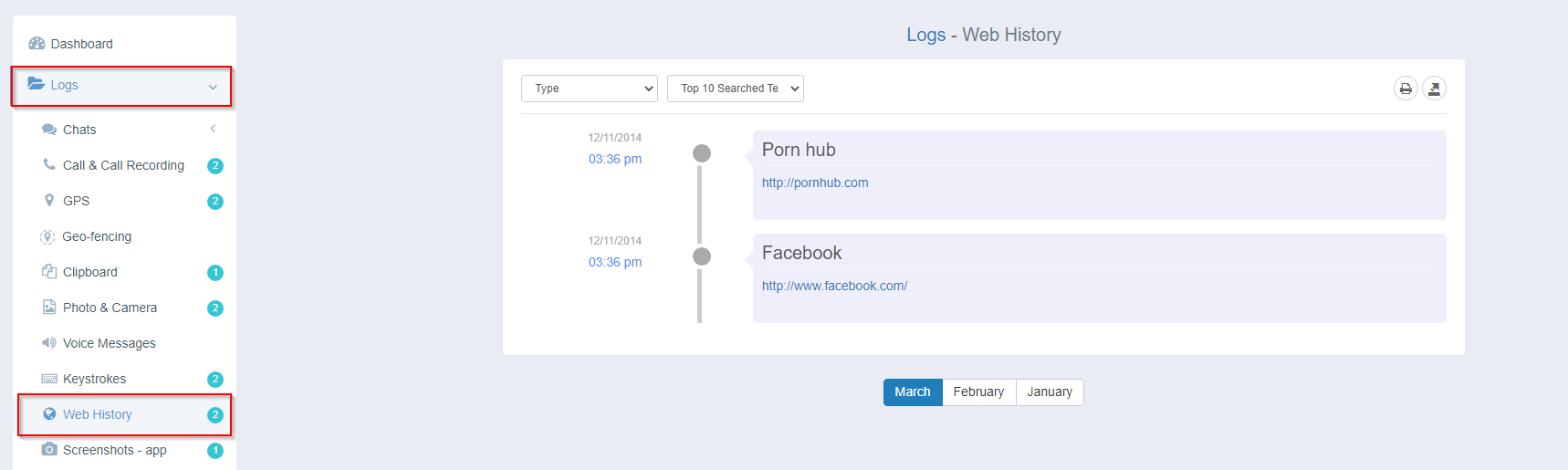
Check Web Browsing History for Safer Online Habits
The app helps you monitor web browsing in real time. Using iKeyMonitor, you can check visited sites and search history to keep your children away from unsafe content.
Receive Instant Alerts to Prevent Online Risks
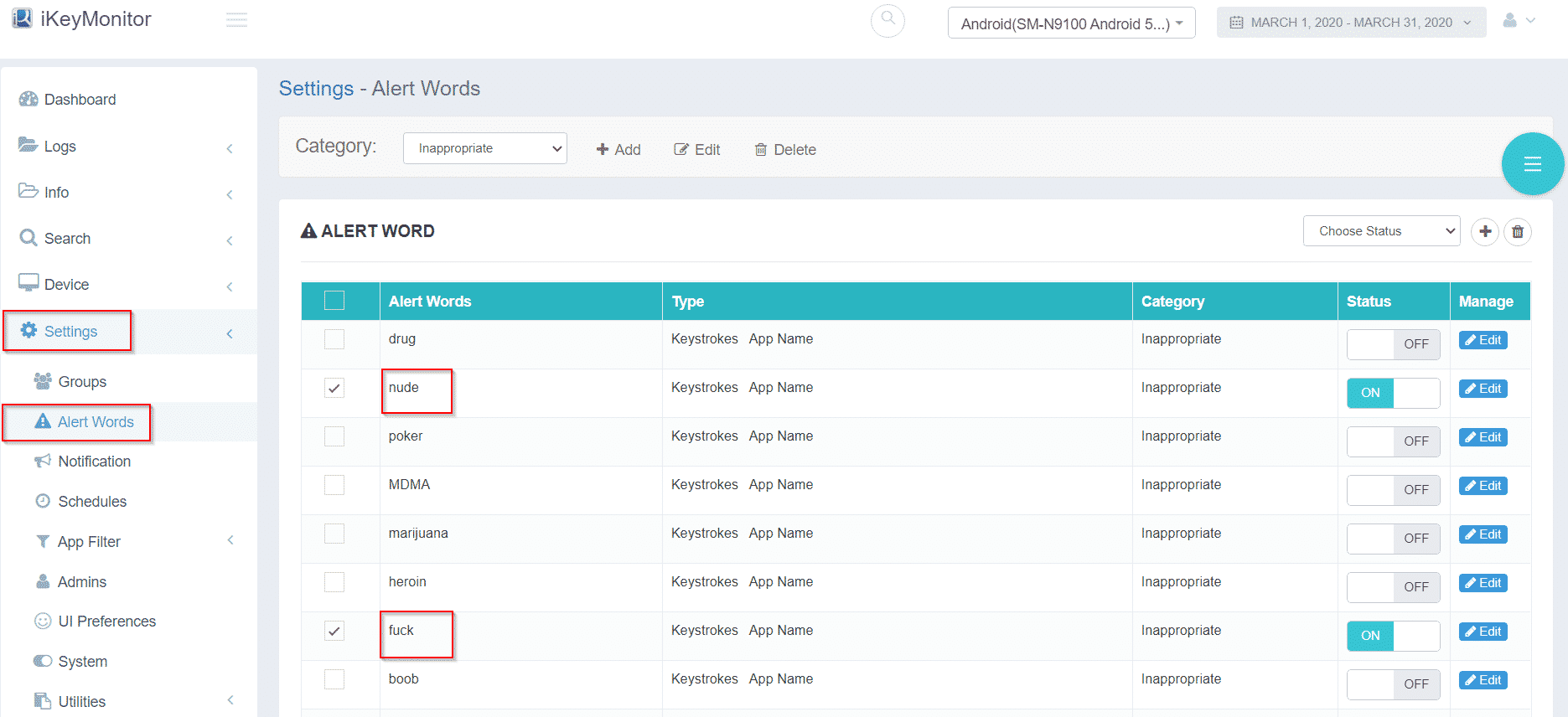
iKeyMonitor can send instant alerts for risky behavior or suspicious activity. This allows you to act quickly and keep your children safe while still giving them freedom online.
Additional Tips to Reinforce Secure Password Habits Online
Besides the tips mentioned above, parents can also take these steps to strengthen their children’s password habits at home.
- Turn Security Into a Game
Reward kids for good digital behavior—such as updating passwords or spotting phishing attempts. Turning cybersecurity into a challenge keeps them engaged. - Review Security Together Once a Month
A quick monthly check-in helps reinforce habits without feeling invasive. Review new accounts, update weak passwords, and discuss any unusual activity. - Model the Behavior You Want to See
Kids copy what they observe. If they see you using a secure password manager for kids and taking online safety seriously, they’re far more likely to follow suit.
FAQs About Secure Password Managers
Q1. Are Secure Password Managers safe for kids to use?
Yes. Reputable password manager apps use encryption and zero-knowledge architecture, meaning even the service providers can’t view stored passwords. Family plans add extra parent controls for safety.
Q2. What is the best Secure Password Manager for children?
There’s no single best option for everyone, but family-focused versions of 1Password and LastPass are popular. Choose one that balances ease of use, strong encryption, and parent oversight.
Q3. At what age should kids start using a password manager?
Many children can start as early as age 8–10, especially once they begin managing school portals, email, or gaming accounts independently.
Q4. What if my child forgets their master password?
Most family plans allow parents to help recover access through guardian controls, preventing permanent lockouts.
Conclusion
Teaching children how to use secure password managers is one of the best ways to protect them online. It helps them form strong habits, avoid common cyber threats, and gain confidence in managing their digital life. When paired with parental control apps like iKeyMonitor, you create a layered safety system that protects without being overwhelming.
Tags: Family-friendly password managers, password manager apps, reliable password manager, secure password manager for kids, secure password managers
Category: Learning & How to