How to Set Phone-Free Zones at Home to Support Healthy Device Habits? 2026
Creating phone-free zones at home gives your child space to relax, focus, and communicate without screens taking over. By choosing to set phone-free zones at home, you help your child develop better device habits and make your home more supportive of concentration and family interaction. These practical tips show simple ways to create phone-free areas at home and maintain them effectively.
Why You Should Set Phone-Free Zones at Home for Kids
Before setting any rules, it’s important to understand why phone-free zones matter. Limiting where your child can use a phone helps them focus better, sleep more soundly, and stay safer online. Here are three key reasons why creating phone-free zones at home is worth the effort.
Reduce Distractions and Improve Focus
When a child keeps their phone in every room, it’s easy to get distracted. Spending time in digital-free areas at home helps them finish homework more efficiently and participate in family conversations without constant interruptions.
A 2022 survey of 1,500 parents found that 68% reported fewer homework conflicts when devices were removed from bedrooms.
Support Better Sleep
Keeping phones out of bedrooms helps your child get better sleep. By setting phone-free zones in bedrooms for better sleep, messages and notifications won’t disturb their rest, allowing them to wake up refreshed and focused.
Reduce Risky Online Exposure
Keeping phones out of private areas lowers the chance your child will see unsafe messages or explore hidden features in apps. When devices are used mainly in shared spaces, you can notice problems sooner and step in to guide them.
A 2021 study found that 60% of children with unrestricted device use encountered inappropriate messages or content at least once in a month.
How to Create Phone-Free Areas at Home (5 Tips)
Simple steps make rules work better. These five tips help you establish family phone-free zones, guide your child toward healthier habits, and prevent screens from interrupting valuable family moments.
Tip 1: Establish Clear Phone-Free Zones
Choose specific places—such as the dining area, living room, or study—where phones are not allowed. Keeping these boundaries consistent helps your child understand where devices belong and why these limits matter.

Tip 2: Communicate Rules Clearly With Your Child
Explain the purpose behind these zones and how they support your family’s routines. When your child can share their thoughts and help shape the rules, they’re more likely to follow them willingly.

Tip 3: Model Phone-Free Behavior Yourself
Set an example by keeping your own phone away during meals and family discussions. When your child sees you enforcing phone-free zones during meals and other important moments, they are more motivated to respect the rules.

Tip 4: Encourage Alternative Activities in Phone-Free Areas
Fill these spaces with books, puzzles, art supplies, or board games. When your child has simple, engaging alternatives, it becomes easier for them to enjoy time away from screens.

Tip 5: Use Parental Control Tools to Support These Boundaries
Tools like iKeyMonitor or built-in screen-time settings can help block apps or limit use during certain hours. These features reinforce the rules automatically and remove daily conflict about when screens should be put away.
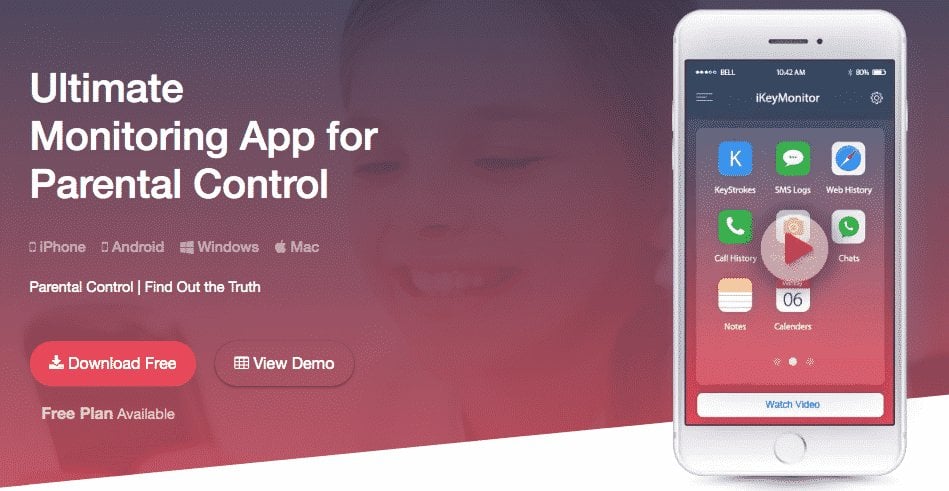
Strengthen Phone-Free Zones at Home with iKeyMonitor for Safer Device Use
To better support your child’s phone-free zones at home and ensure safer device use, iKeyMonitor can help. This parental control app lets you limit screen time, block harmful content, monitor messages and calls, capture screenshots, and receive alerts about risky behavior—making it easier to maintain tech-free areas.
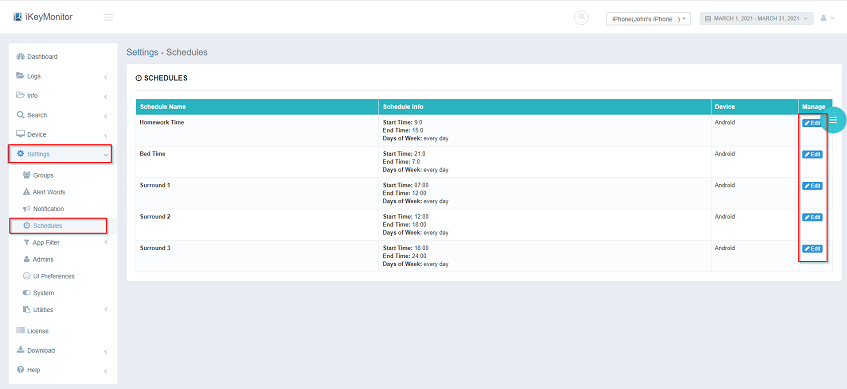
Limit Screen Time to Encourage Healthy Habits
With iKeyMonitor, you can set daily screen-time limits for your child, helping you manage how long they stay on their device. This supports more balanced routines and reinforces the tech-free habits you’re building at home.
Block Specific Apps and Games to Prevent Distractions
iKeyMonitor enables you to block apps or games that may be distracting or unsafe. By filtering out unsuitable content, you help your child focus on safer, more productive activities.

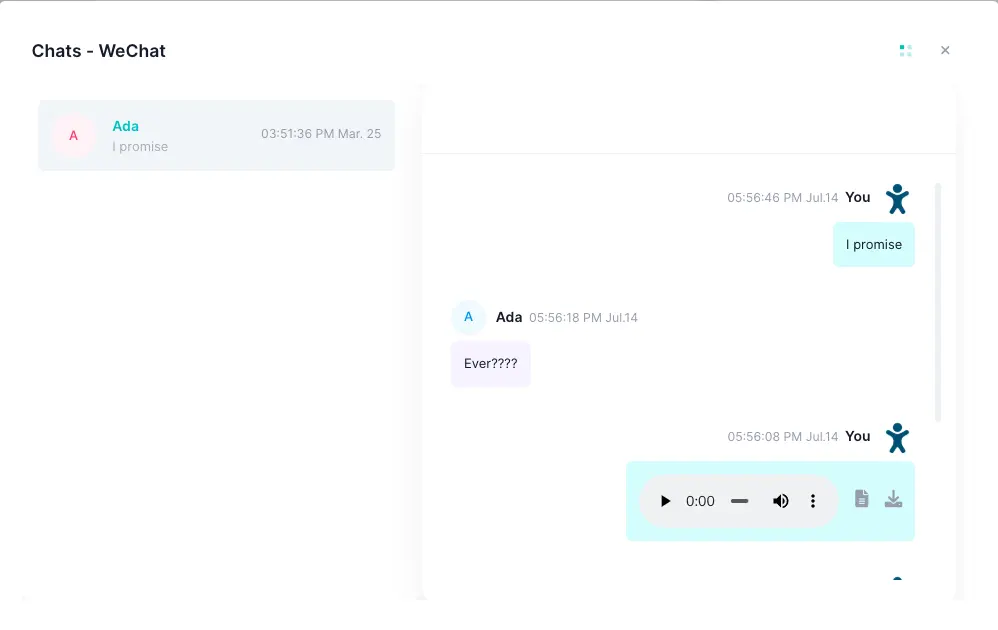
Monitor Chats and Calls to Detect Risks Early
The app lets you review SMS messages, chat conversations, and calls remotely. This helps you spot potential risks early and guide your child before any issue becomes serious.
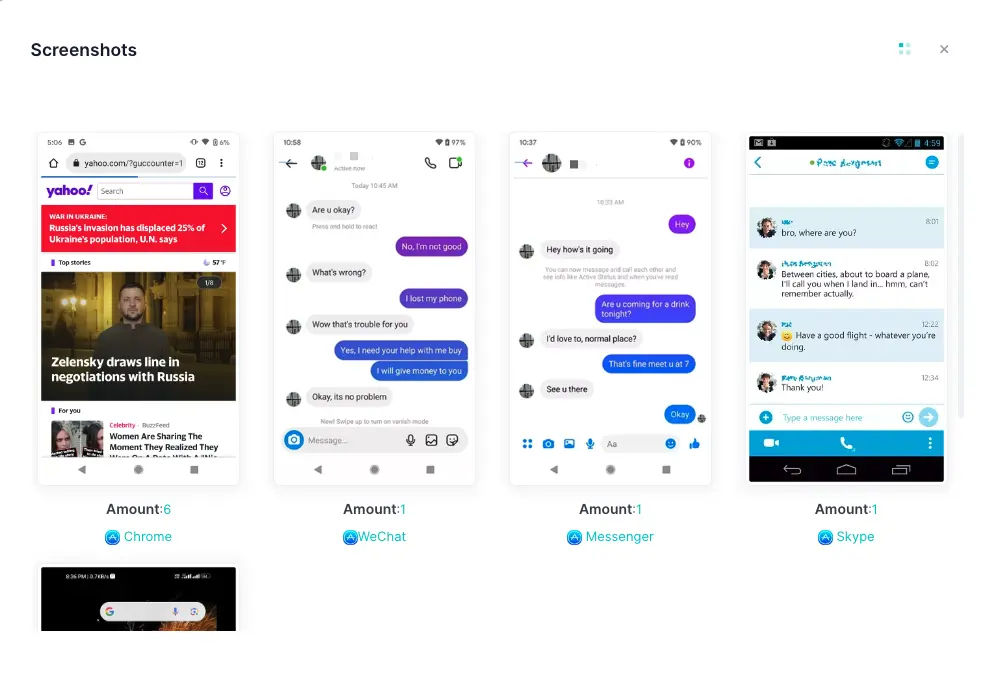
Capture Screenshots of Online Activity
iKeyMonitor can automatically capture screenshots of your child’s device activity. These snapshots help you understand what they’re viewing and reinforce healthy online behavior.
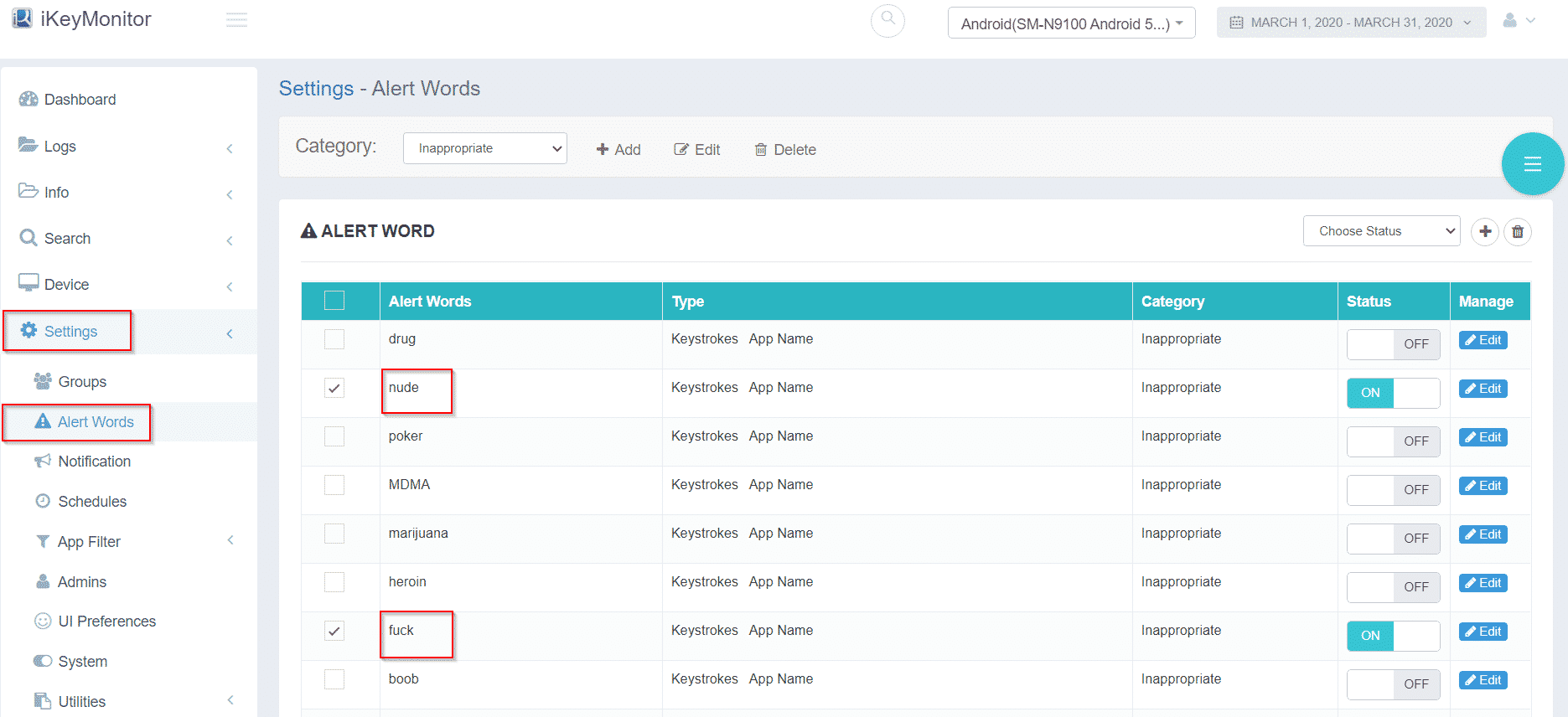
Get Alert Notifications for Suspicious or Risky Behavior
When iKeyMonitor detects attempts to access blocked content or unsafe websites, it sends instant alerts. These notifications allow you to act quickly and maintain a safer environment—especially in your established phone-free areas.
Additional Tips to Set Phone-Free Zones in the House
Even after establishing clear phone-free zones at home, a few extra steps can make them more effective. These practical tips help your child stick to the rules, limit unnecessary screen time, and support healthy daily routines.
- Keep phones in a shared charging station outside bedrooms to support set phone-free zones in bedrooms for better sleep.
- Use baskets or small boxes in digital-free areas at home so devices are easily put away and less tempting to grab.
- Encourage short, structured breaks during homework or family time to reinforce family phone-free zones and limit secretive screen use.
FAQs on Setting Phone-Free Zones at Home
Q1: How old should my child be before setting phone-free rules?
These rules work at any age. Start small with younger children and increase gradually as they grow older and need more structure.
Q2: What if my child refuses to follow the phone-free zones?
Revisit the reasons behind the rules and stay consistent. Lead by example, and use supportive tools when necessary to reinforce limits.
Q3: Should phones be allowed in bedrooms at night?
It’s best to keep devices out of bedrooms. This protects sleep quality and prevents late-night browsing or notifications from interrupting rest.
Q4: How can I reduce arguments about screen limits?
Use timers or parental controls so restrictions happen automatically. Clear explanations and steady routines help reduce conflicts over time.
Q5: Are phone-free zones still useful if my child needs a device for homework?
Yes. Create a homework-only zone where the device is used strictly for schoolwork, and turn off distracting apps to keep them focused.
Conclusion
Setting phone-free zones at home helps your child develop better habits and creates a calmer household. By keeping these zones consistent and combining them with clear rules, leading by example, and using parental control apps like iKeyMonitor, you make it easier for your child to focus, get better sleep, and enjoy quality family time together.

Tags: creating phone-free zones at home, enforcing phone-free zones during meals, phone-free zones at home, Set Phone-Free Zones at Home, setting phone-free zones in bedrooms
Category: Learning & How to