How to Spot Online Predators and Keep Your Kids Safe 2026
You can dramatically lower the risk of grooming and privacy breaches by combining simple privacy tweaks, clear communication, and smart monitoring tools. Below are five practical steps you can start using today to protect children from online predators and keep their digital world safe.
—
1. Tighten Privacy Settings on Every Account
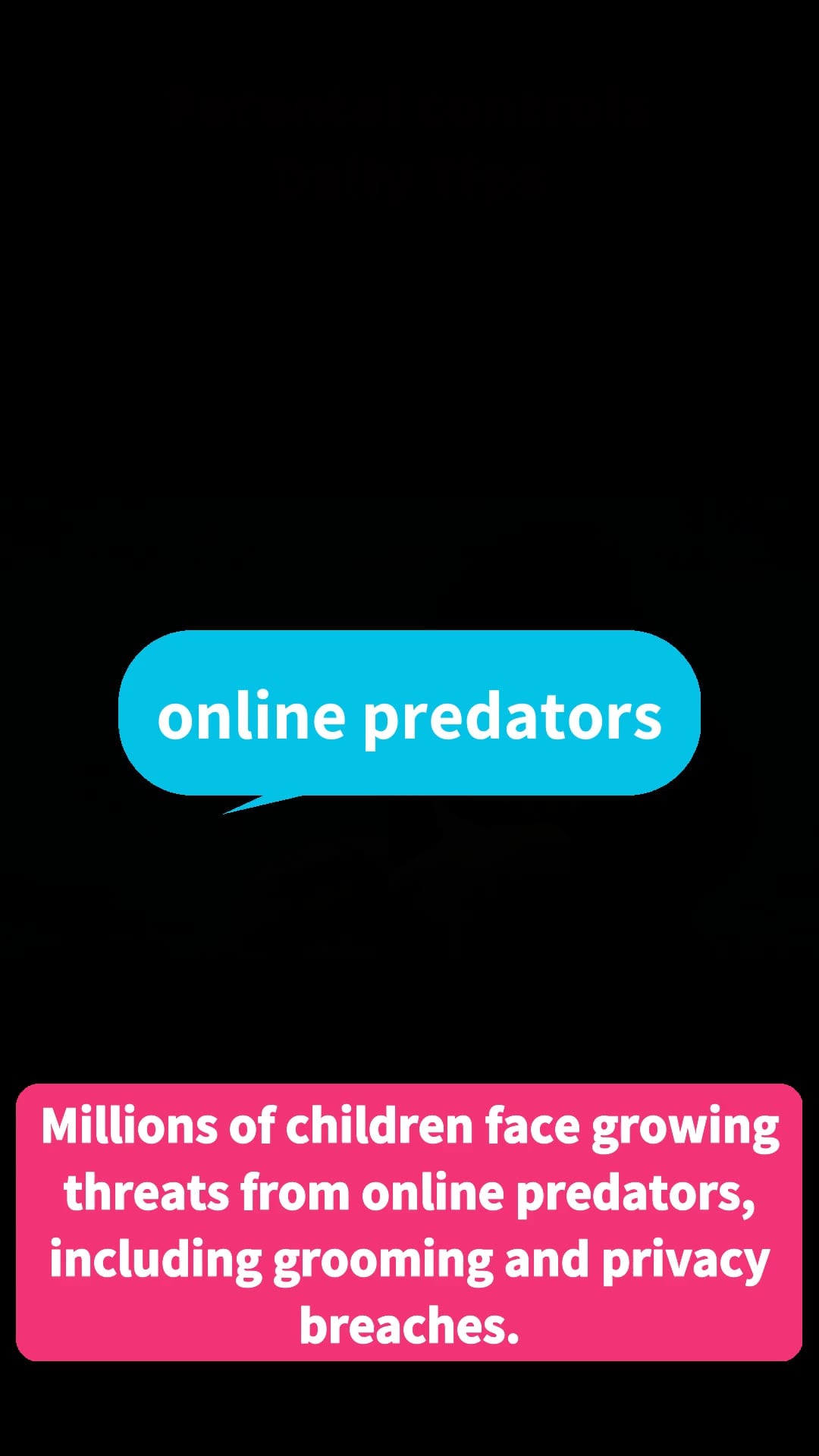
Most social platforms let you decide who can see a profile, send messages, or locate a user. Set each account to **private**, turn off location sharing, and limit friend‑request permissions to “friends of friends” or “only people I know.” These changes create a barrier that stops strangers from finding or contacting your child in the first place.
*Caption:* Adjusting privacy controls blocks unknown users from accessing your child’s profile.
**Quick checklist**
- Switch profile visibility to “private.”
- Disable GPS or location‑sharing features.
- Restrict who can send friend requests or direct messages.
By reducing the amount of personal data visible online, you make it much harder for a predator to initiate contact.
—
2. Teach Kids the Phrases Predators Use
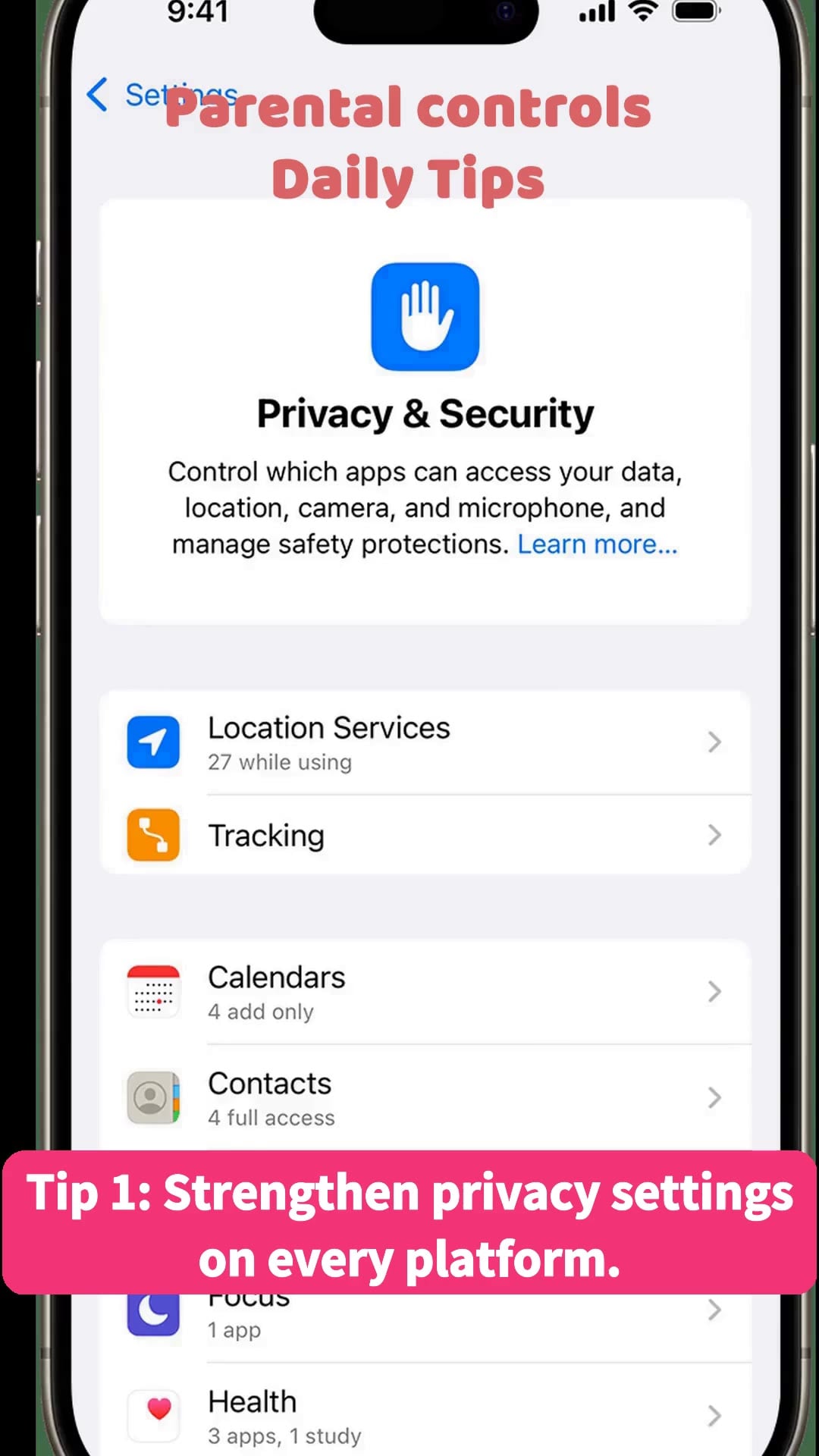
Predators often rely on subtle language to gain trust. Explain to your child that requests such as “let’s keep this a secret,” “I have a surprise for you,” or “can you send me a picture of yourself?” are red flags. Role‑play a few scenarios so they can practice responding confidently—either by refusing, asking a trusted adult, or ending the conversation.
*Caption:* Showing kids the specific wording predators use helps them recognize grooming attempts early.
**Key phrases to watch for**
- “It’s just between us.”
- “I’ll give you a gift if you share a photo.”
- “Can we meet in person?”
When children can name these cues, they’re more likely to report suspicious messages before a predator gains their confidence.
—
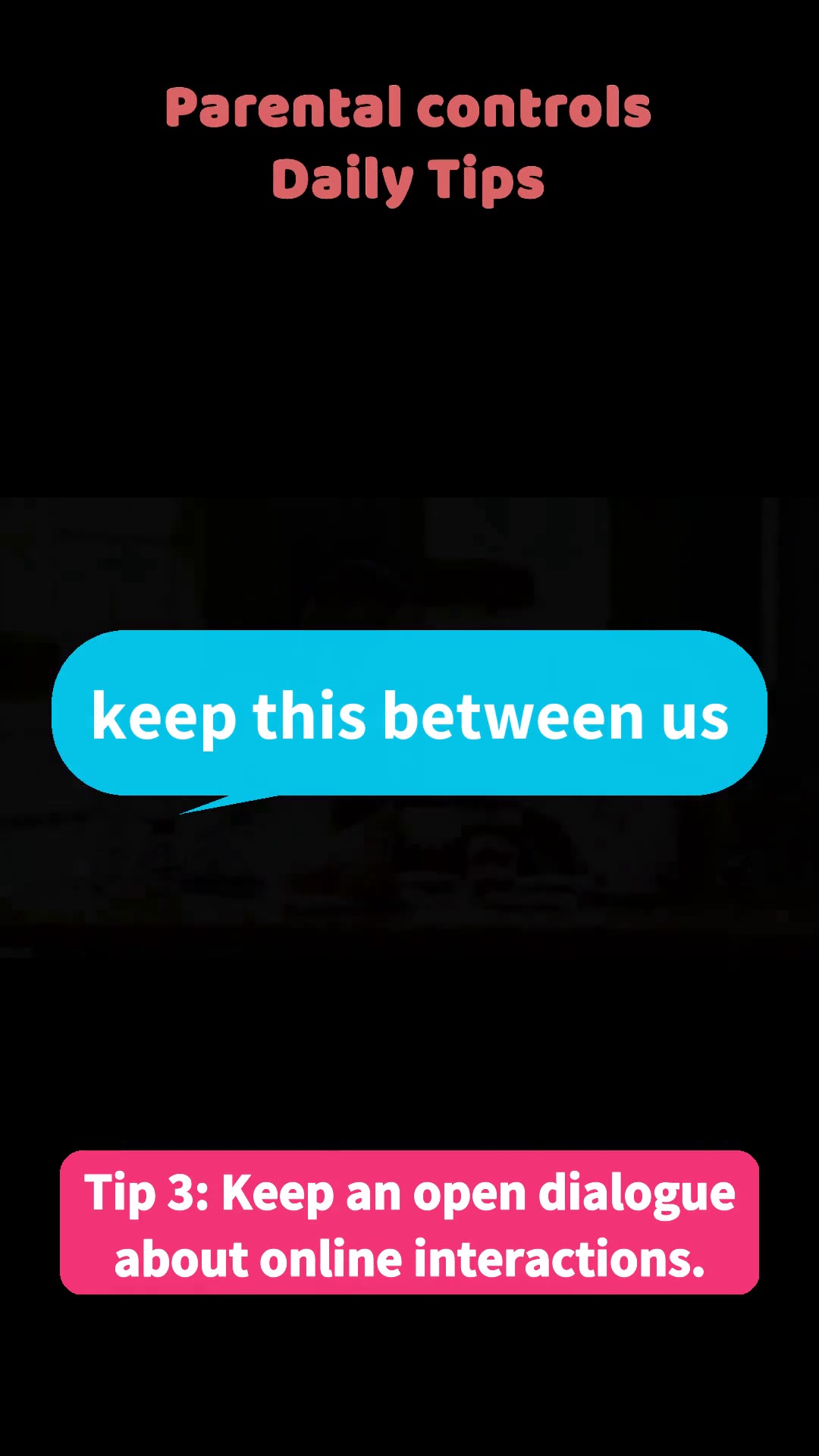
3. Keep an Ongoing Conversation About Online Activity
A one‑time lecture won’t stick; regular, low‑pressure check‑ins do. Ask open‑ended questions like, “Did anyone new message you today?” or “Are you comfortable with the people you’re chatting with?” Make it clear that you’re not there to punish but to protect. When kids feel safe sharing, they’ll alert you to odd behavior much sooner.
*Caption:* Open dialogue encourages children to report suspicious interactions without fear.
**Tips for effective dialogue**
- Choose a calm moment, not right after a misstep.
- Listen without interrupting; validate their feelings.
- Reinforce that reporting is a sign of strength, not tattling.
Consistent communication builds a trusted channel that can stop a predator’s plan before it escalates.
—
4. Use Monitoring Software That Flags Suspicious Behavior
Parental‑control tools can scan messages for keywords such as “meet,” “gift,” or “secret” and send real‑time alerts to your phone. Solutions like **iKeyMonitor** allow you to monitor texts, social‑media chats, and even screenshots, giving you a safety net while respecting your child’s growing independence. Set up alerts for high‑risk words, review flagged content, and intervene promptly if needed.
*Caption:* Monitoring tools highlight risky language, enabling swift parental intervention.
**How to implement**
- Choose a reputable monitoring app that works on the devices your child uses.
- Configure keyword lists that match the language discussed in Tip 2.
- Review alerts daily and discuss any concerns with your child.
While technology isn’t a substitute for conversation, it adds an extra layer of protection, especially for younger users who may not yet recognize subtle grooming tactics.
—
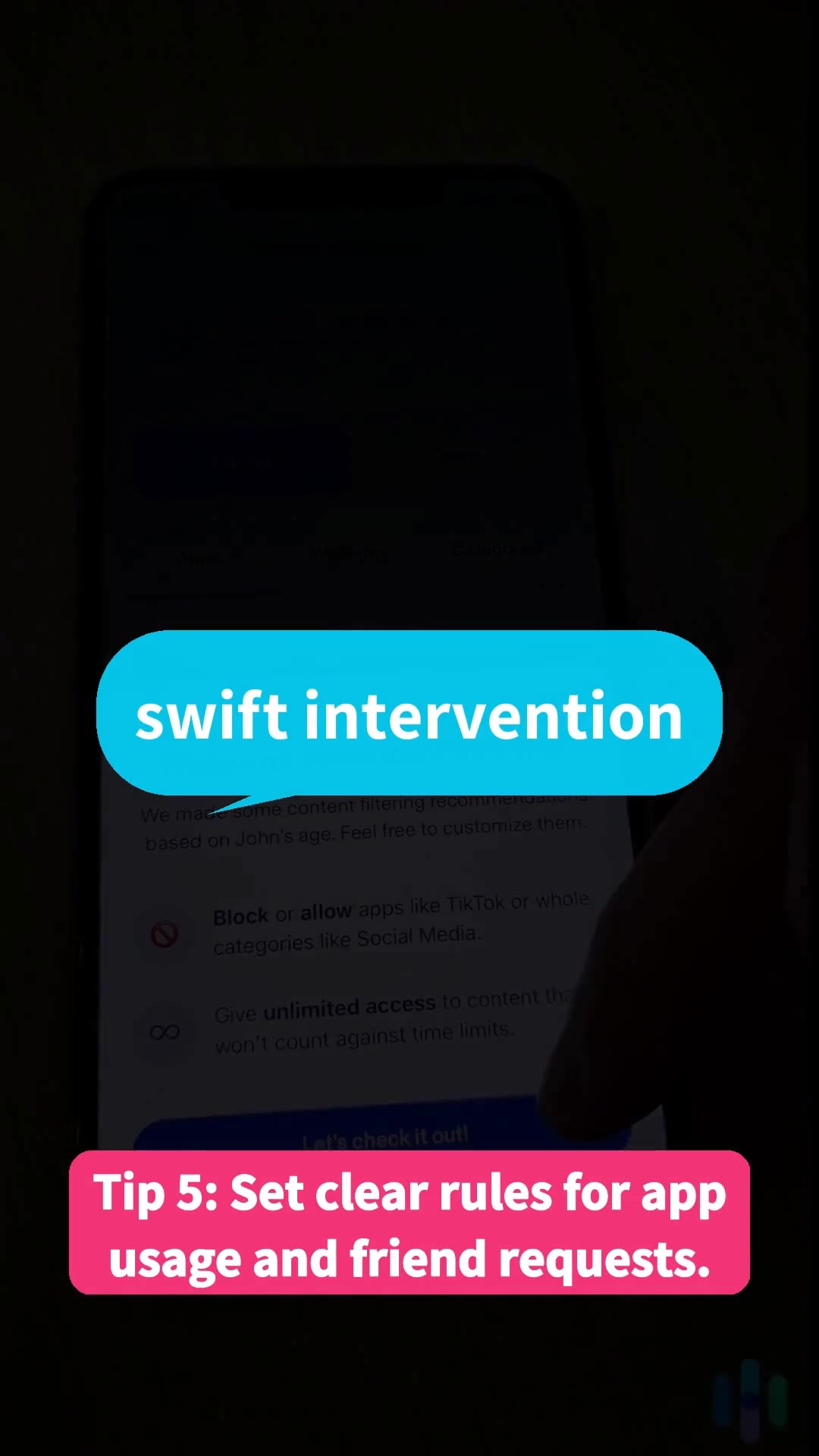
5. Establish Clear Rules for Apps and Friend Requests

Limit screen time to age‑appropriate applications and require parental approval before new contacts are added. Create a schedule for reviewing friend lists and follower counts every few weeks. Written rules—such as “no private messaging with strangers” or “ask before accepting a gift request”—make expectations explicit and easier to enforce.
*Caption:* Regularly reviewing friend lists helps catch unknown contacts early.
**Rule‑setting framework**
- **App selection:** Only install apps rated for your child’s age group.
- **Friend approvals:** All new contacts must be cleared by a parent.
- **Periodic audits:** Conduct a quick check of friend lists and recent messages weekly.
Clear, consistent guidelines reduce exposure to unknown adults and give you a concrete way to monitor online interactions.
—
Conclusion
Protecting children from online predators is a blend of proactive settings, education, conversation, and technology. Start by tightening privacy controls, teach your kids the language predators use, keep the dialogue open, consider a reliable monitoring tool, and set firm rules for app usage and friend requests. Taking these steps today creates a safer digital environment and gives you peace of mind that your child can explore the internet with confidence.
**Next step:** Choose one tip—such as updating privacy settings on your child’s favorite app—and implement it within the next 24 hours. Small actions add up to strong protection.
Tags: keep kids safe online, Kids Safety, monitor kids’ phones, online predator safety, Online Safety for Kids, parent monitoring tools, parental control, protect kids from online safety, Protecting Children from Online Dangers, Screen time
Category: Learning & How to