How to Protect Kids’ Photos Online to Keep Them Safe? 2026
As children increasingly share photos across social media and messaging apps, they may unknowingly expose personal information. Understanding how to protect kids’ photos online is essential for you to keep your kids’ privacy intact, preventing cyberbullying, and avoiding unwanted access to sensitive digital content.
Why Protecting Kids’ Photos Online Is Crucial
Photos can reveal much more than just memories; they may expose your child’s location, daily routines, and personal details. Understanding these risks helps parents guide children in developing safe and responsible photo-sharing online.
Prevent Identity Theft and Data Misuse
Children often post pictures that unintentionally reveal sensitive personal details such as full names, school information, or family data. These exposures can be exploited by attackers to commit identity fraud, social engineering, or other malicious activities targeting both the child and their family.
Studies indicate that over 1 million children are affected by identity misuse each year, often starting from shared media.
Reduce Risk of Cyberbullying
Shared photos online can be manipulated, altered, or taken out of context by peers or strangers, leading to harassment, embarrassment, or social exclusion. Teaching children safe photo-sharing habits can help reduce the likelihood of such cyberbullying incidents occurring online.
Surveys show that approximately 25-30% of online harassment incidents originate from shared images or media.
Prevent Location and Personal Data Exposure
Photos often contain background clues, school names, or embedded geotags that can reveal a child’s exact location or daily routines. Educating children to remove sensitive details and avoid sharing identifiable locations helps protect them from potential online threats.
Research highlights that nearly 40% of children’s location data exposure stems from shared photos online.
Practical Tips to Safely Share Kids’ Photos Online
Now that you know the potential dangers of sharing photos online, these five practical tips will help you protect kids’ photos online, prevent unauthorized access, and teach your child safe sharing practices.
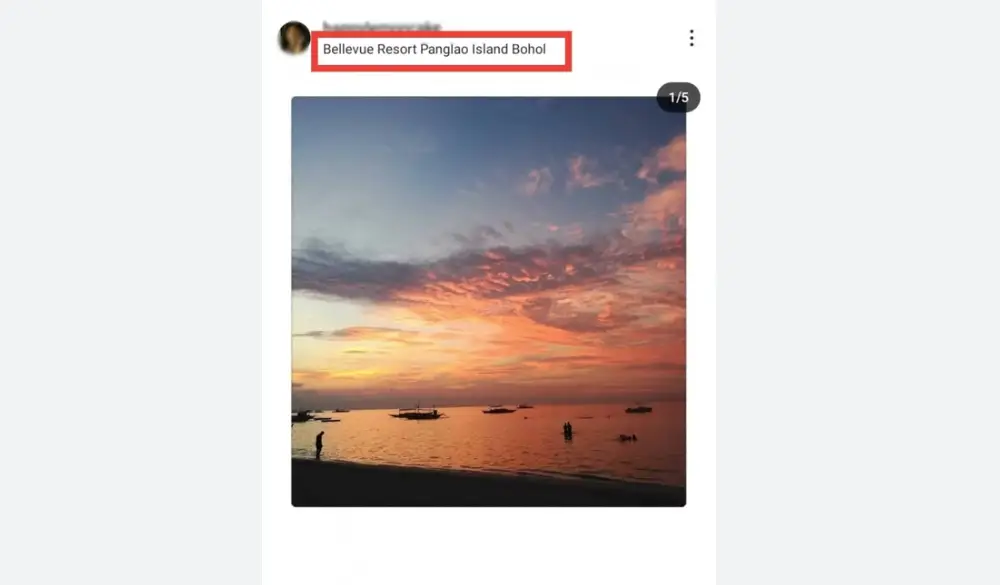
Tip 1: Avoid Sharing Personal Details in Photos
Teach children to be mindful of what appears in their photos, avoiding identifiable information like school names, addresses, or background objects that reveal locations. Safe photo sharing begins with awareness of what is visible in each image.
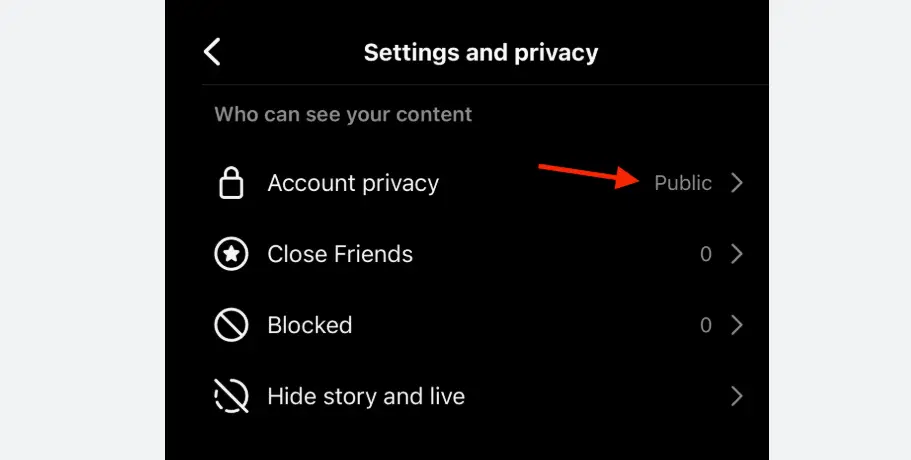
Tip 2: Set Strict Privacy Controls
Help children adjust social media and app privacy settings so that only trusted friends or family can see their photos. Regularly reviewing and updating these settings ensures continued protection and prevents unintended exposure.
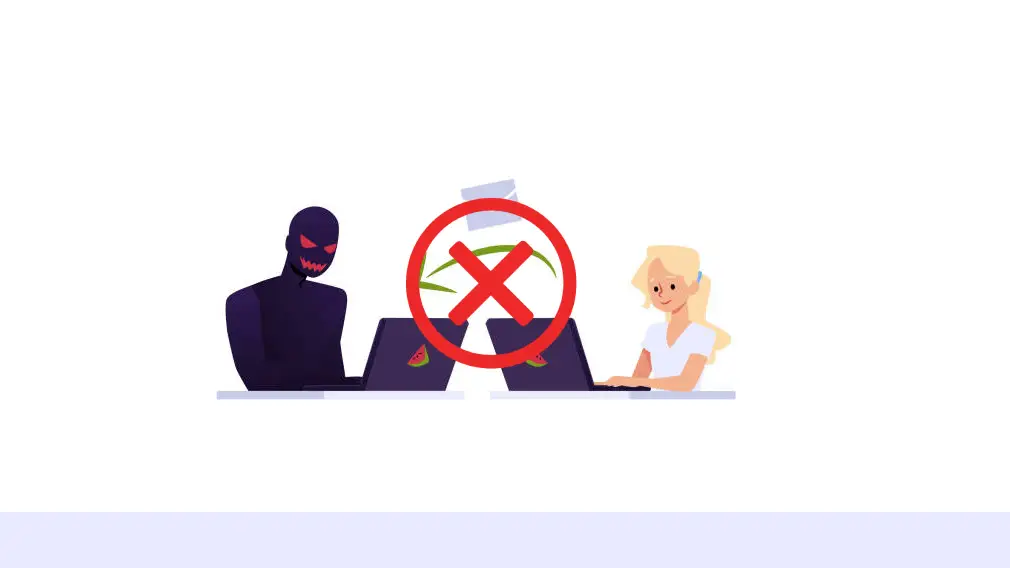
Tip 3: Never Share Photos with Strangers
Explain that sending images to unknown contacts can put them at risk of scams, predators, or cyberbullying. Encourage children to seek guidance before sharing photos beyond trusted circles, reinforcing safe digital habits.
Tip 4: Use Parental Control Tools
Parental control apps, such as iKeyMonitor, allow you to monitor photo sharing, review uploads, and block unsafe interactions. These tools provide oversight while respecting your child’s privacy and promoting responsible online behavior.

Tip 5: Review Photo Uploads Together
Regularly reviewing shared photos with your child creates an opportunity to discuss safe choices, reinforce lessons about responsible online sharing, and build trust while maintaining a supportive environment for learning online safety.

Protect Kids’ Photos and Monitor Online Activities with iKeyMonitor
For more comprehensive protection, consider iKeyMonitor. This parental monitoring app not only tracks SMS and chat messages but also records calls, captures screenshots, tracks GPS locations, and monitors web browsing. Using iKeyMonitor helps you proactively protect kids’ photos online and detect potential risks early.
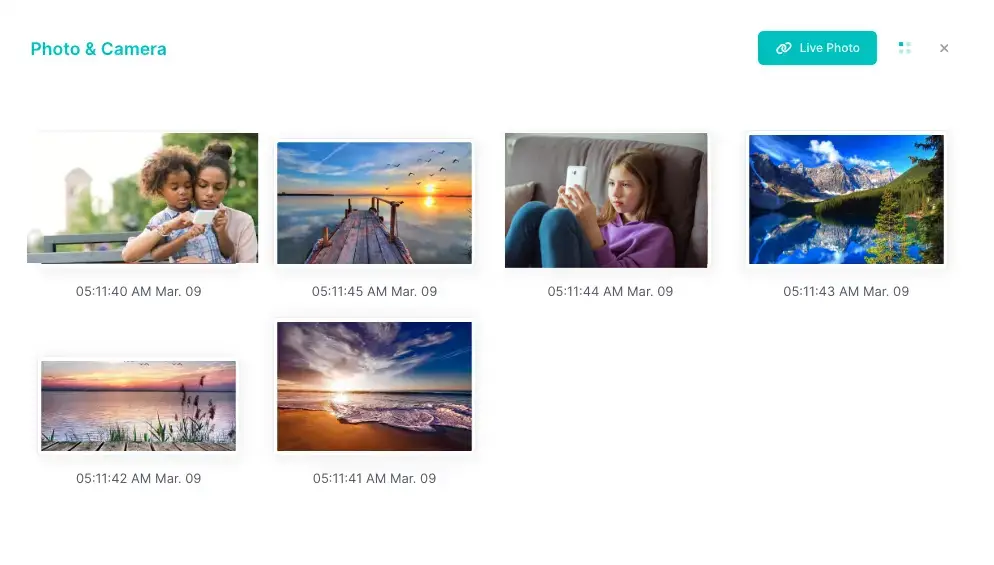
Track Photos and Pictures to Prevent Unsafe Sharing
With iKeyMonitor, you can monitor all photos and images on your child’s device, ensuring that shared content remains safe and preventing exposure to strangers or unsafe platforms.
Monitor Social Media Activities for Safer Interactions
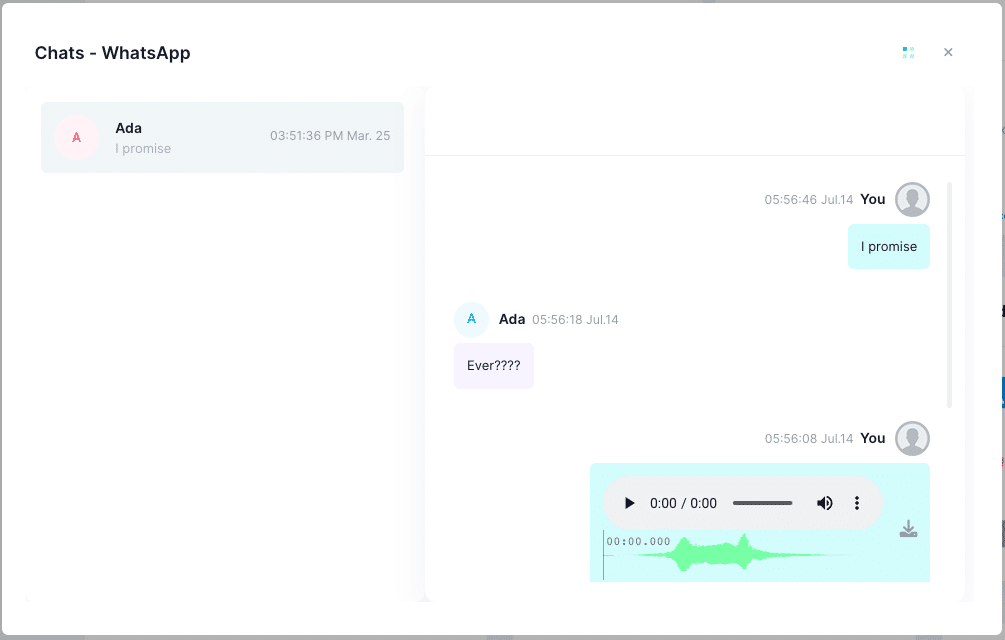
iKeyMonitor allows you to track social media usage, including messages and posts, so you can identify risky interactions and guide your child toward responsible online behavior.
Capture Screenshots to Review Shared Content
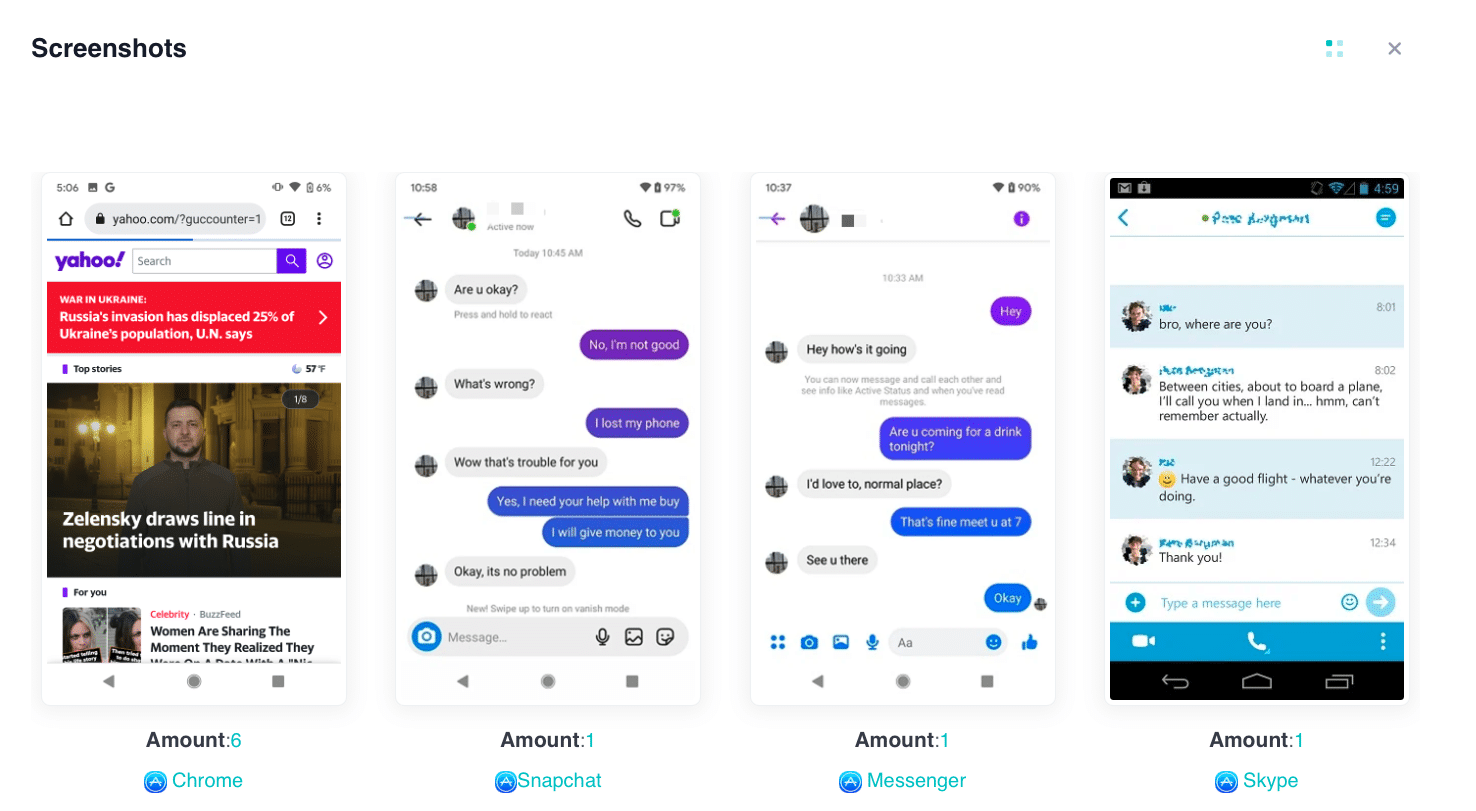
The app can automatically capture screenshots of activity across apps and websites. By using iKeyMonitor, you can visually review what your child sees and shares, enhancing photo security.
Block Specific Apps to Limit Risky Exposure
With iKeyMonitor, you can restrict access to apps that pose potential risks. The app allows you to block unsafe platforms and prevent accidental exposure to harmful content.

Receive Real-Time Alerts to Act Quickly
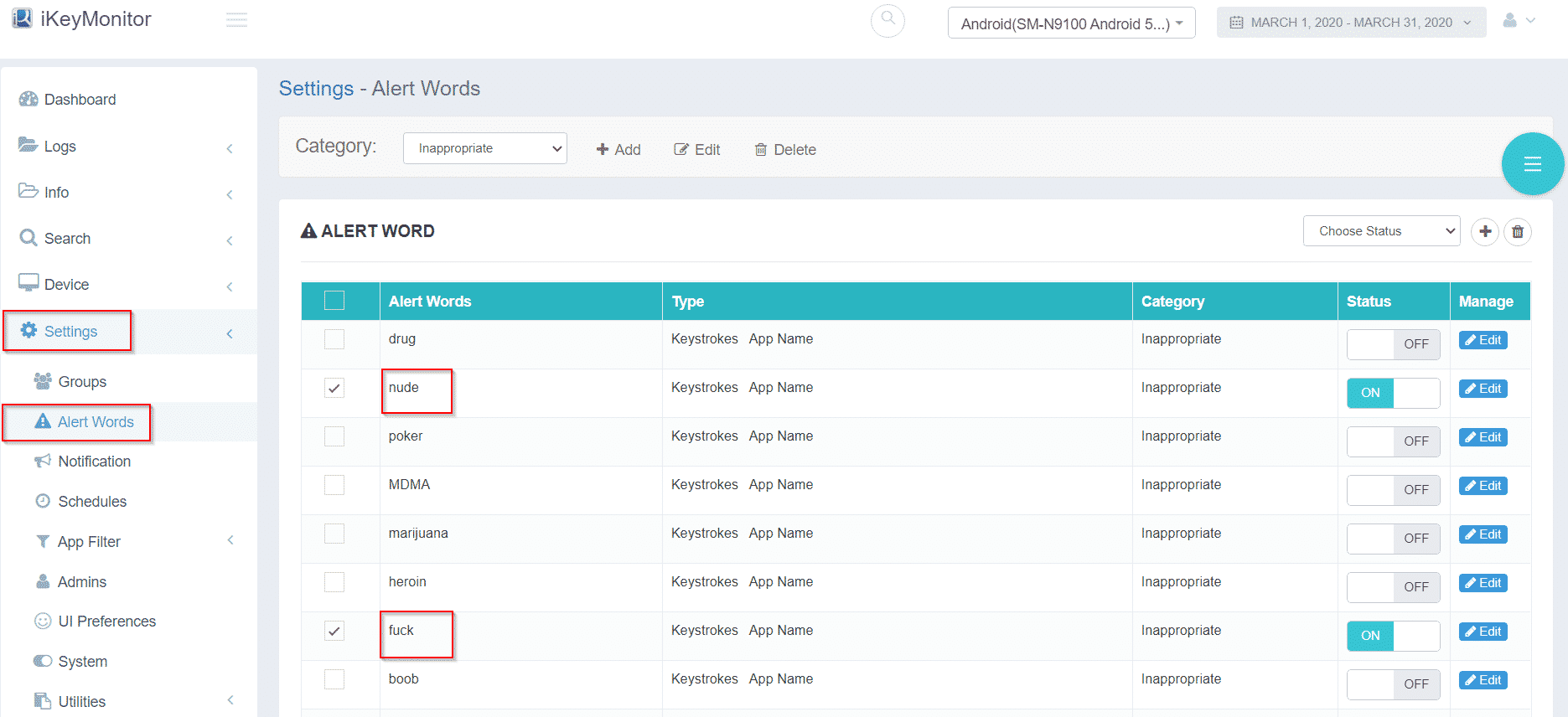
iKeyMonitor sends real-time alerts whenever suspicious activity is detected. By using iKeyMonitor, you can act immediately to protect kids’ photos online and maintain overall digital safety.
Additional Tips to Strengthen Photo Privacy for Kids
Beyond the main safety strategies, these extra tips provide actionable steps to reinforce secure photo sharing, encourage mindful digital behavior, and help your child maintain long-term online privacy.
- Review App Permissions Regularly: Ensure apps do not have access to unnecessary photos or location data.
- Encourage Using Temporary or Limited Sharing Platforms: Apps that delete photos after viewing reduce long-term exposure.
- Teach Digital Footprint Awareness: Explain that once a photo is online, it may be impossible to fully remove it.
FAQs About Keeping Kids’ Photos Safe Online
Q1. At what age should children start sharing photos online?
Children should generally be at least 13 for most social platforms. Supervised accounts can be created earlier for school or family purposes.
Q2. How often should parents review shared photos?
Monthly reviews are sufficient for older children, but weekly checks may be helpful for younger kids.
Q3. Are parental monitoring apps safe to use?
Yes, apps like iKeyMonitor are legal when used on devices you provide. Transparency with your child ensures monitoring is for safety, not punishment.
Q4. How can I tell if a photo has been misused online?
Signs include images appearing on unknown accounts, unexpected messages, or alerts from privacy-monitoring tools.
Q5. Should children share photos on multiple apps?
Limiting photo sharing to trusted apps reduces the risk of exposure and helps maintain privacy.
Q6. What should I do if my child receives a threatening photo or message?
Save evidence, block the sender, update privacy settings, and report to authorities if necessary. Discuss the situation calmly with your child.
Conclusion
Keeping your child’s photos safe online is essential for protecting their digital identity and privacy. By teaching safe sharing practices, applying strict privacy settings, and leveraging tools like iKeyMonitor, you can confidently protect kids’ photos online, reduce the risk of unauthorized exposure, and foster responsible digital habits.

Tags: monitor photo sharing, photo-sharing online, protect kids’ photos online, Safe photo sharing, Shared photos online
Category: Learning & How to