How to Prepare Your Child for a New Social Media App? 2026
When your child wants to try a new social media app, it can be exciting but also a little stressful. You want them to enjoy the platform, stay safe, and understand how to use it responsibly. Taking time to prepare your child for a new social media app helps teach kids responsible use of new social media apps, giving them the confidence to handle features, connections, and online situations safely.
Why Preparing Your Child for a New Social Media App Matters
Before your child signs up for a social media platform, taking time to prepare them helps them understand the rules, privacy settings, and potential risks. It lets you set clear expectations, reduce possible hazards, and ensure your child approaches a new social app for teenagers with confidence and the knowledge to navigate it safely.
Kids Follow Rules Better When They Understand Them
Children who participate in discussions about social media boundaries are more likely to follow them. When you set rules before your child uses a new social media app, they feel involved and responsible rather than restricted.
According to Common Sense Media, children who help create family tech rules are nearly 30% more likely to follow them consistently.
Teaching Kids About Privacy Reduces Risks
Many children share personal information without thinking about the consequences. To help educate kids on the risks of new social media platforms, go over privacy settings, posting rules, and friend approvals together before they start. This guidance encourages safer sharing habits and smarter online interactions.
Research shows that kids who understand privacy and security tools early are 40% less likely to make risky posts.
Helps You Decide If the Platform Fits Your Child
Not every app is right for every child. By exploring its features together, you can prepare teens for responsible use of new social media apps and determine whether the platform suits their maturity, interests, and understanding.
How to Prepare Your Child for a New Social Media App (5 Tips)
Once you understand why preparation matters, walk your child through safe posting habits, privacy basics, and healthy usage routines. These five tips provide practical guidance for social media safety for kids and help ensure a positive and confident first experience on any platform.
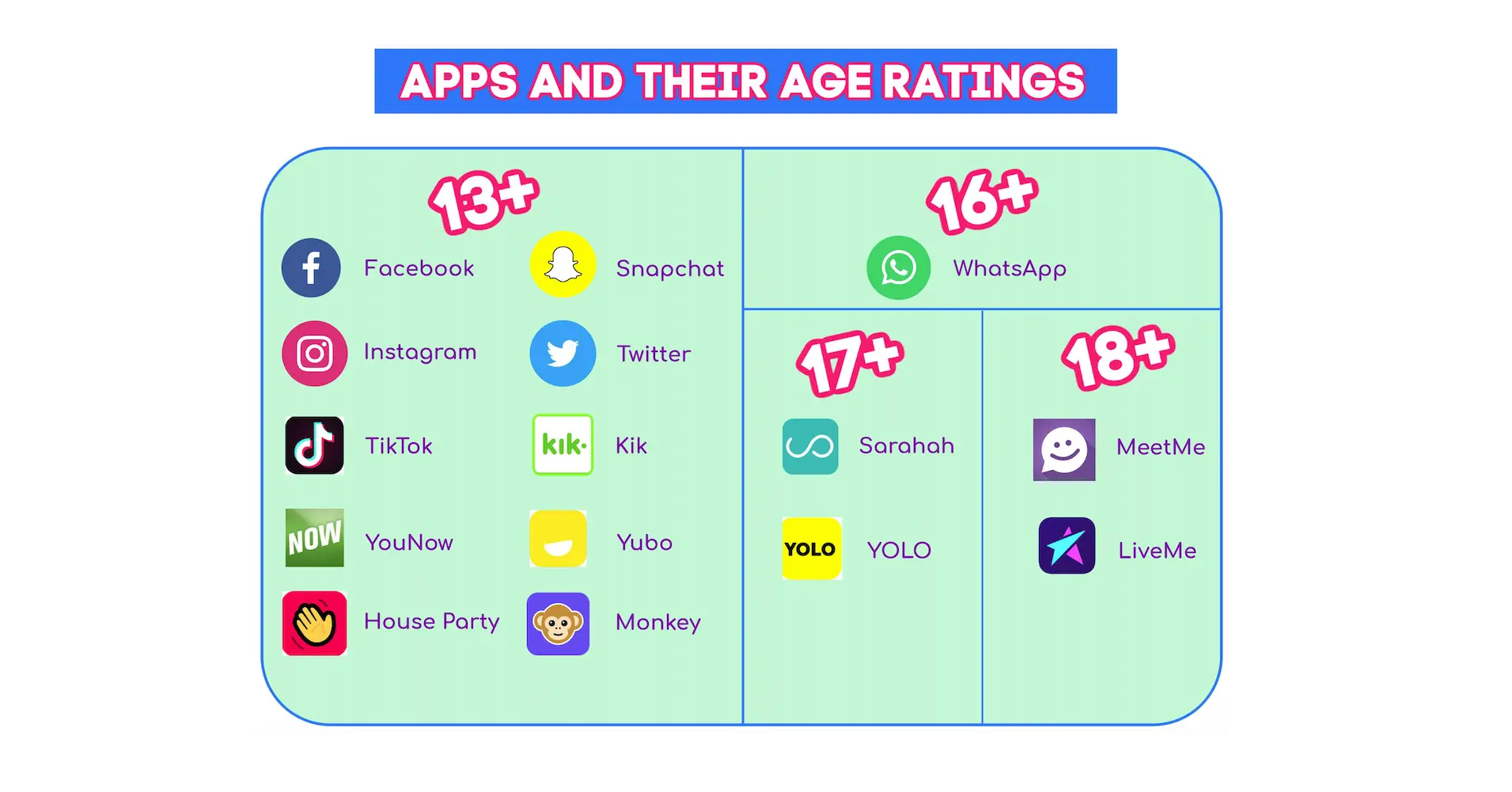
Tip 1: Review Age Ratings and App Guidelines Together
Check the app’s age minimum, features, and community rules together. Go through banned behaviors, reporting tools, and consequences for violations. This helps your child know what to expect and encourages responsible behavior.
Tip 2: Secure Privacy and Contact Settings
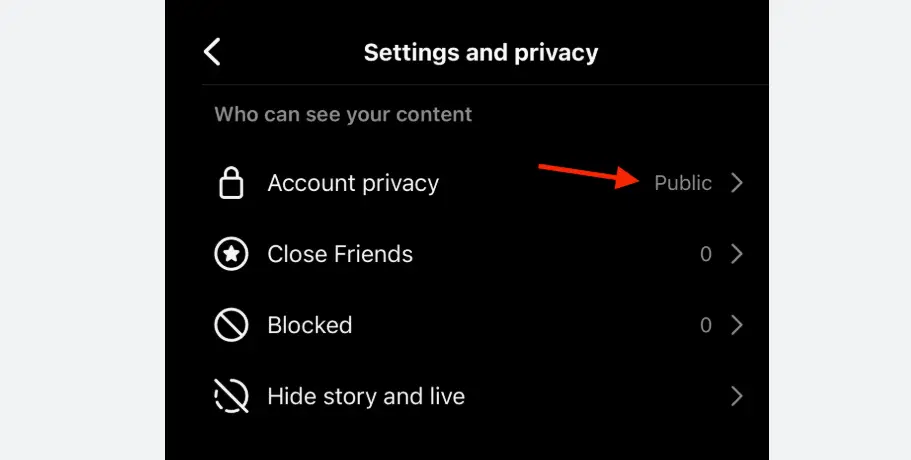
Set the account to private, manually approve followers, restrict messages, turn off contact syncing, and limit search visibility. These steps help set rules for kids on a new social media app and keep them safe from strangers.
Tip 3: Set Posting and Sharing Rules
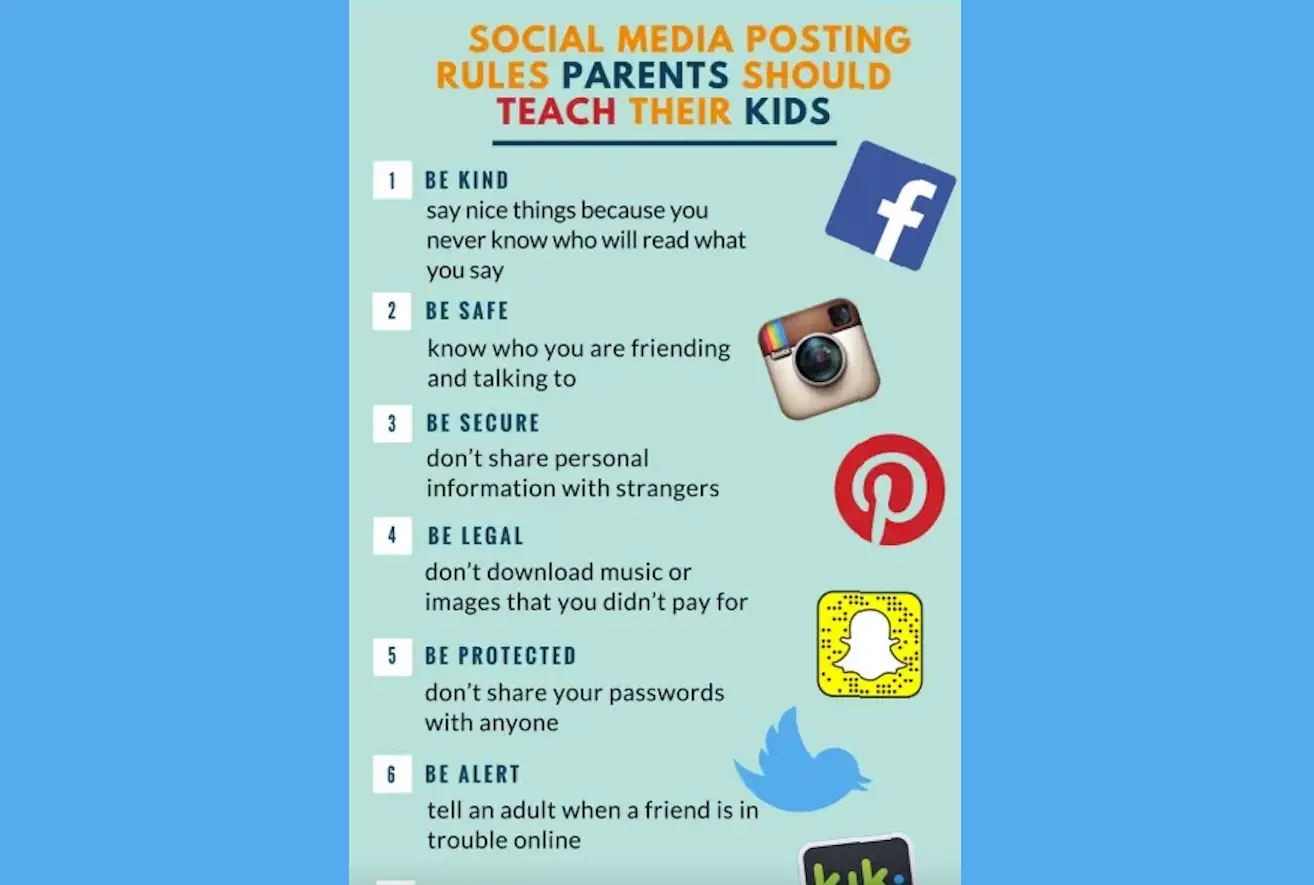
Teach the “think before posting” rule. Avoid sharing full name, school, schedules, or live locations. Always ask before posting friends’ photos. This step ensures children understand boundaries and consequences.
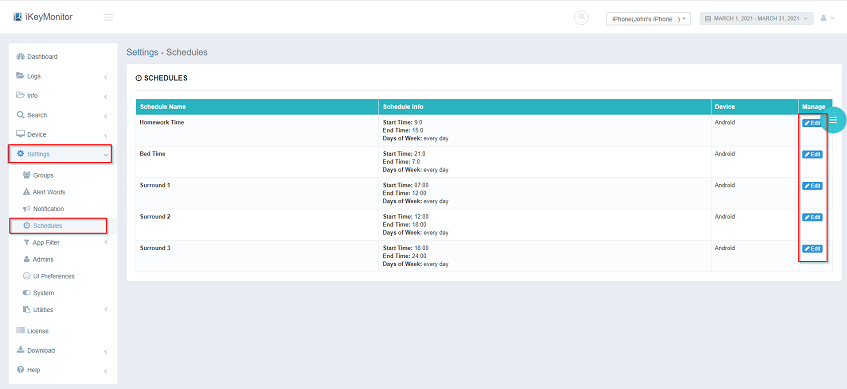
Tip 4: Limit Screen Time and Schedule Check-ins
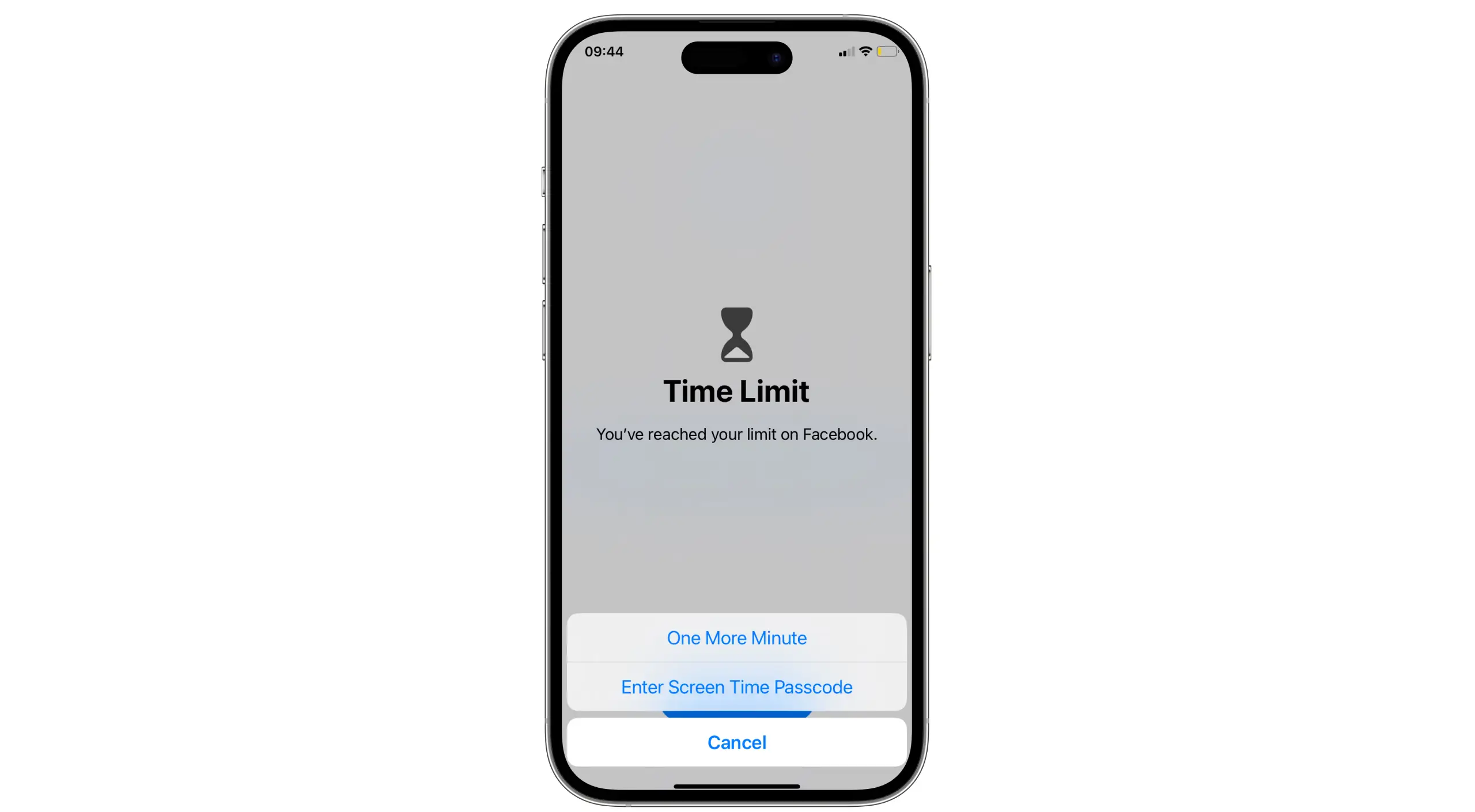
Agree on daily usage limits, homework or bedtime bans, and weekly reviews of followers or messages. Regular check-ins allow you to monitor kids’ activity on a new social media app without being intrusive.
Tip 5: Use a Parental Control App
Apps like iKeyMonitor let you approve downloads, filter content, track app usage, and limit screen time. These tools balance independence and safety, helping kids build responsible habits.

Keep Your Child Safe Online with iKeyMonitor
Besides the tips above, iKeyMonitor provides extra protection for kids exploring new social media apps. It allows you to monitor installed apps, log chats, record calls, capture screenshots, limit screen time, and send alerts for risky behavior, helping ensure online safety for your child.
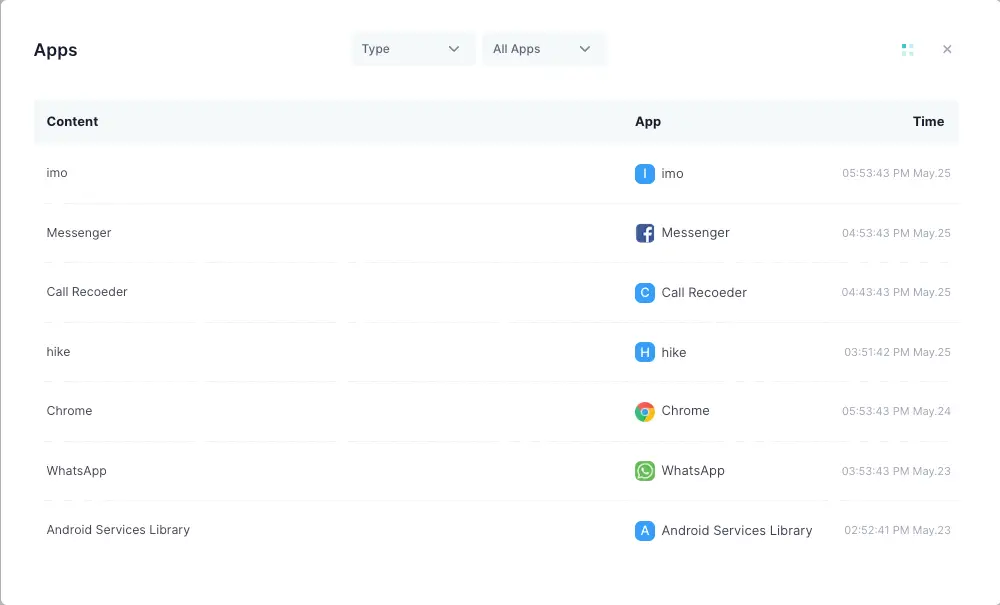
Check Which Apps Your Child Is Using
With iKeyMonitor, you can see all apps installed on your child’s device. This helps ensure they only access age-appropriate platforms and gives you a chance to discuss safe usage habits before they start exploring.
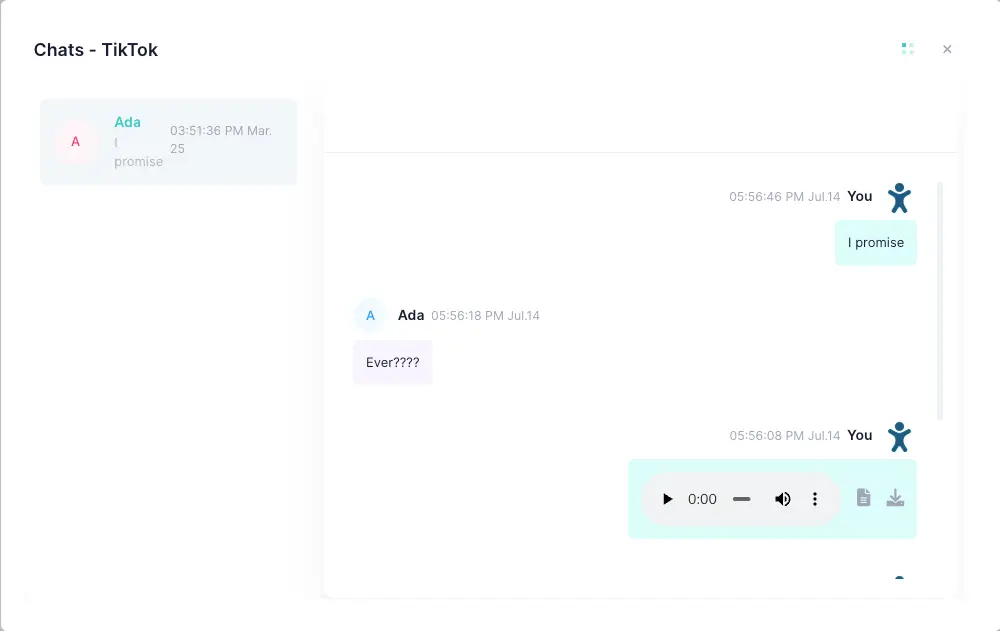
Monitor Social Media Conversations
iKeyMonitor logs chats on social media apps so you can spot bullying, inappropriate messages, or contact from strangers. Early awareness lets you guide your child and address any concerns promptly.
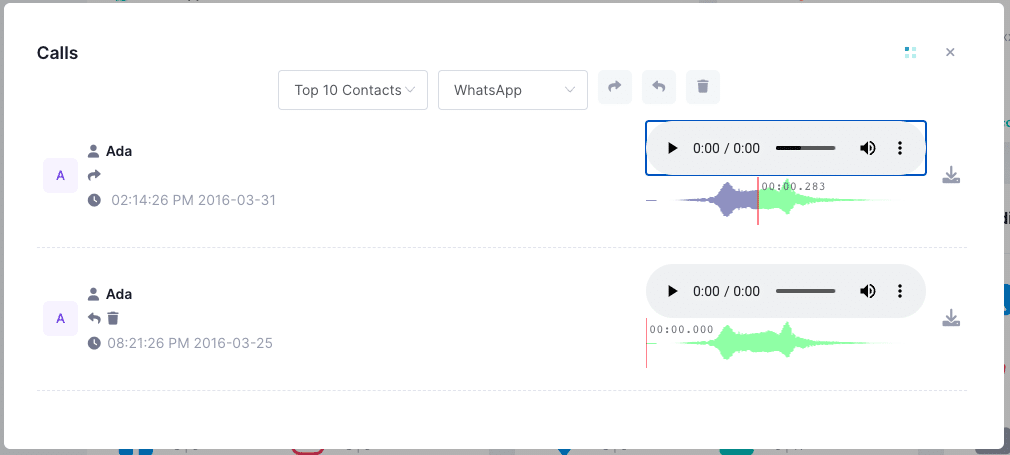
Record Voice and Video Calls on Social Media Apps
The app records calls and video chats on various social media chat apps, allowing you to review conversations and make sure your child communicates safely with friends, classmates, or new contacts.
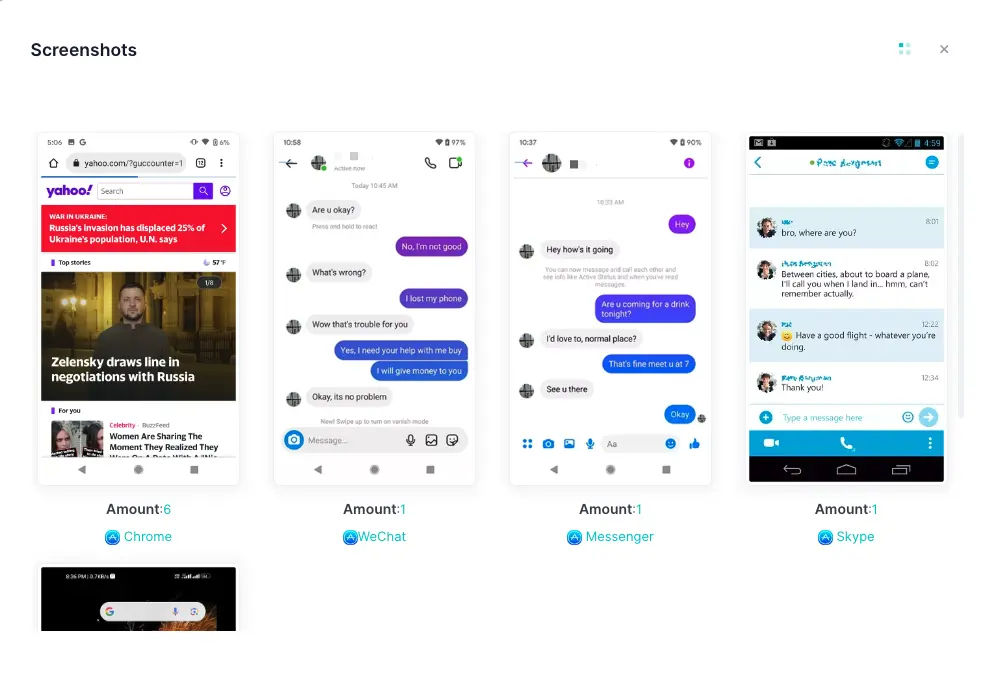
Capture Screenshots of Online Activity
By automatically taking screenshots, iKeyMonitor lets you check what your child views, shares, and interacts with. This helps you provide guidance, correct unsafe behavior, and encourage positive digital habits.
Limit Screen Time and Encourage Balance
iKeyMonitor allows you to set daily and weekly limits for social media use. This ensures your child balances online activity with school, sleep, hobbies, and family time, promoting healthier routines.
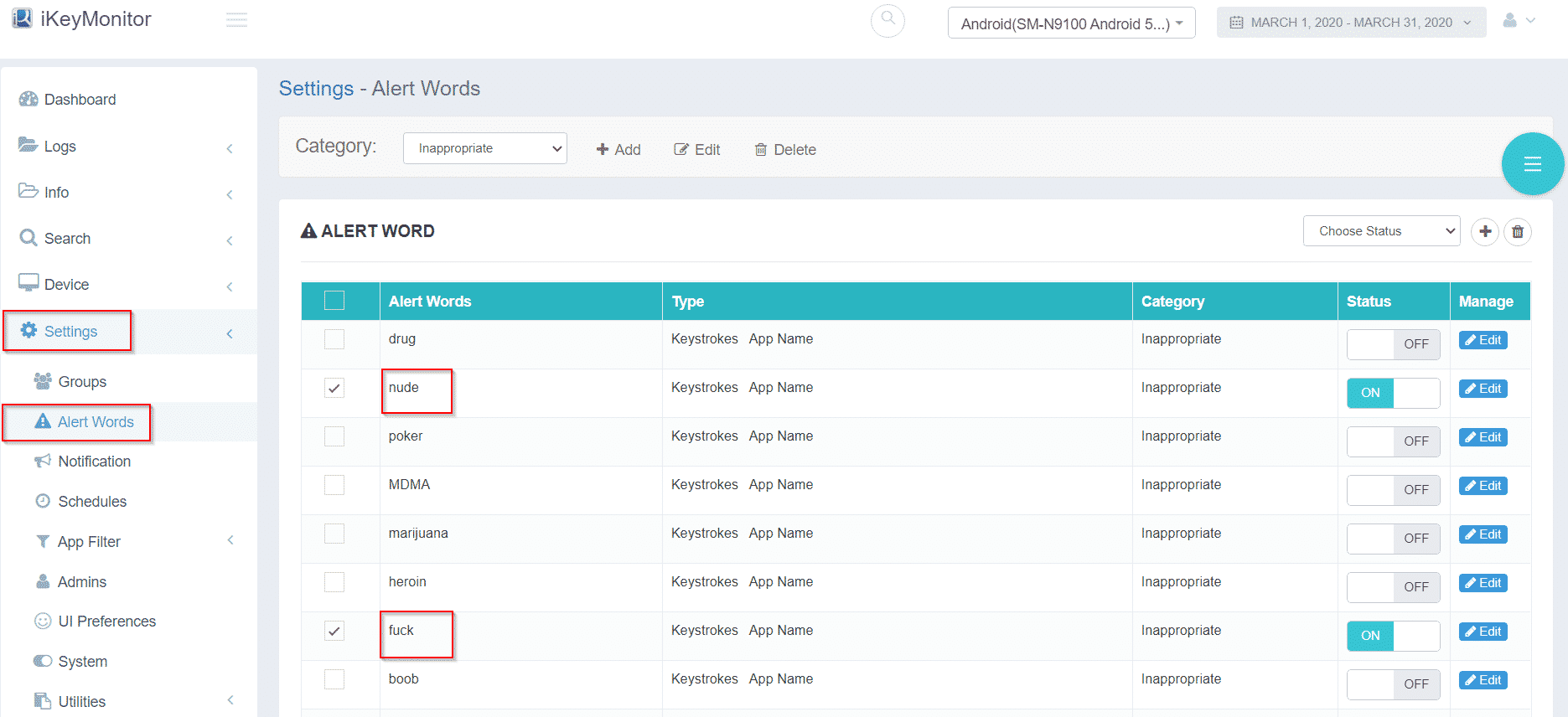
Get Alerts About Risky Behavior
The app sends notifications whenever it detects suspicious or unsafe activity. Instant alerts let you intervene quickly, keeping your child protected while they navigate social media responsibly.
Additional Tips to Prepare Your Child for a New Social Media App
These strategies build confidence, responsibility, and awareness for kids starting a new social media app:
- Talk About Online Trends and Influences: Explain that not everything online is true, and trends may pressure kids to act rashly.
- Teach How to React When Something Feels Wrong: Steps like block, report, and tell you help kids handle issues safely.
- Model Good Online Behavior: Your posting and screen-time habits influence your child’s online choices.
FAQs About Preparing Your Child for a New Social Media App
Q1: What age is appropriate for kids to start using social media?
While most apps require 13+, readiness depends on maturity and understanding of tips for kids using a new social media app.
Q2: How do I know if a new app is safe for my child?
Check privacy tools, reporting features, and parent reviews. Trying the app yourself helps assess risks.
Q3: What should I do if my child faces bullying online?
Save screenshots, block the user, report the behavior, and discuss the incident openly with your child.
Q4: Should I follow my child’s account?
Yes, but quietly—avoid public comments to prevent embarrassment and maintain trust.
Q5: How can I prevent strangers from contacting my child?
Keep the account private, restrict messages, disable contact syncing, and teach your child not to accept unknown requests.
Q6: How often should I check my child’s activity?
Weekly reviews work best, with more frequent checks for younger children or first-time users of a new social media app for teenagers.
Conclusion
Preparing your child for a new social media app helps them explore safely and confidently. With clear guidance, privacy tools, posting rules, and support from tools like iKeyMonitor, you can teach kids responsible use of new social media apps while helping them enjoy a positive online experience.

Tags: new social app for teenagers, prepare your child for a new social media app, social media safety for kids, tips for kids using a new social media app
Category: Learning & How to